Create 3D photos from 2D images using built-in tools. Apply photo masks to isolate subjects. Combine multiple photos to form composite images. Share edited photos directly. Adjust lighting and colors for enhanced visuals.
by Guangzhou Beauty Information Technology Co.,Ltd.★ 4.9159 ratingsPhoto & VideoFreeData updated 2026-09-09
Edit photos with AI-generated styles, outfits, and backgrounds. Apply filters, adjust colors, and refine details for realistic results. Save and share edited images directly.
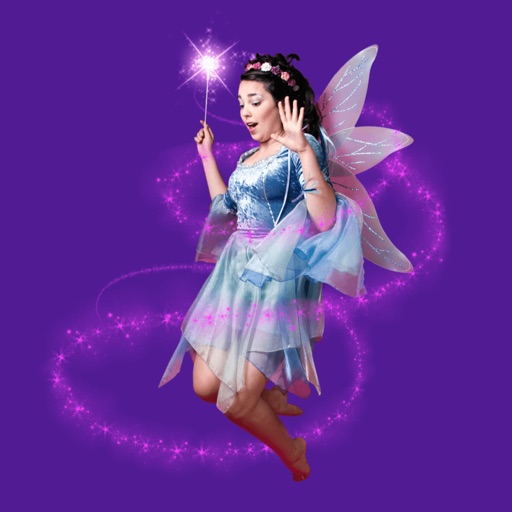
Add fairy stickers to photos to create magical scenes. Save and share edited images. Access high-quality, real fairy stickers. Purchase additional characters for more customization.
Create AI-animated videos by uploading photos and generating interactive scenes. Merge multiple images into a single group photo using image fusion. Swap faces in photos or videos. Build personalized photo albums with editing tools.
Edit photos using AI-powered transformations and ultra-realistic enhancements. Adjust lighting, colors, and details automatically. Remove objects or edit backgrounds with AI. Export edited images in various formats and share directly.
Edit photos by adding customizable styles to faces. Select from various hairstyles, edit details, draw, and add stickers. Share modified images directly. Apply filters and adjust settings for enhanced visuals.
Apply to images and adjust positioning. Resize, rotate, and move photos freely. Save edited images directly to the gallery. No internet connection is required. Offers multiple frame options for creative customization.
Edit photos by adding hats, wigs, shades, costumes, and accessories. Choose from 350+ free and 480+ premium objects. Adjust elements with intuitive tools. Save and share edited images directly.
Edit photos with AI-powered restoration tools to enhance clarity and sharpness. Fix closed eyes in portraits and improve overall image quality. Export edited photos in various formats and share directly.
Create collages by combining multiple photos from the gallery. Choose from various frames and themes. Apply filters to enhance images. Share collages directly to social media platforms. Edit individual photos with cropping and adjustment tools.
Create collages using 9 photos. Tap frames to insert images from the photo library. Resize, reposition, and crop photos within each frame. Preview the in full size and save it to the photo library.
Edit photos with filters, effects, and AI tools to remove or blur backgrounds. Add stickers, text, and frames. Apply glitch, neon, and drip effects. Adjust colors and crop images. Export and share edited photos directly.
Edit photos using filters designed to mimic the look of film taken in . Adjust brightness, contrast, and color tones. Save and share edited images directly.
Edit photos with filters, effects, and backgrounds. Add stickers and choose from various fonts. Crop, resize, and rotate images. Create square photos and adjust ratios. Share edited photos directly.
Create collages by combining photos into -shaped frames. Apply filters and adjust colors. Share collages directly or save in various formats. Organize memories in a single album.
Convert photos and images between JPG, PNG, and formats. Adjust compression quality for each file. Batch convert multiple images at once. Select destination folder or share directly without complex steps.
Create and images using AI-powered tools. Generate images from text prompts. Apply 100+ AI filters. photos with cropping, adjustments, and text overlays. Share edited content directly.
Edit photos with AI , 30+ lipstick color options, and skin smoothing tools. Remove blemishes, adjust brightness, and apply natural makeup effects. Save and share edited images directly.
Edit photos with age adjustment tools to generate younger or older versions. Apply cartoon-style effects to portraits. Switch hairstyles and adjust facial features. Export edited images in multiple formats.