
Image Converter - JPG PNG HEIC
Convert photos and images between formats
WEBDIA INC.
iPhone Screenshots
Description
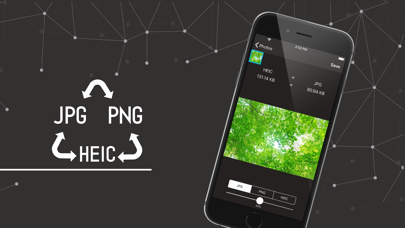
Convert photos and images between JPG, PNG, and formats. Adjust compression quality for each file. Batch convert multiple images at once. Select destination folder or share directly without complex steps.
It is the application created to be able to convert the format of a photograph and an image easily!
JPG/PNG/HEIC conversion is supported.
JPG/HEIC can adjust the compression quality.
It is possible to convert multiple images at once.
Format conversion procedure
It is intended to be easy to convert, so there is no need for difficult operations.
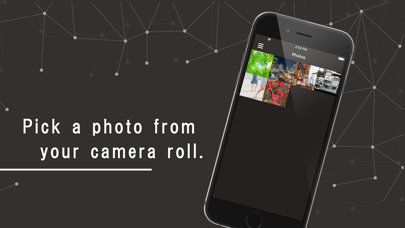
1.Select a photo(s)
2. Select the conversion format and compression quality
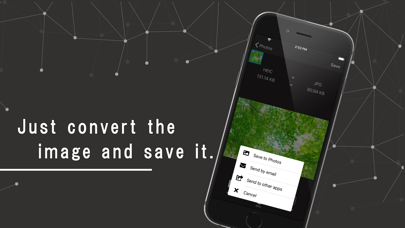
3.Select the destination and share
It is useful in such cases.
- If you send it as an email attachment
- Uploading to SNS such as Twitter
Destination
- In this application, you can not only save it in the camera roll, but also send the image that you converted to other applications and send it by mail!
Compression quality
- You can reduce the file size by adjusting the quality, but the image quality is visibly degraded.
About JPG
- JPGs are not compatible with transparency.
- Please be careful when you convert from PNG or GIF to JPG
About HEIC
- HEIC can reduce the file size from JPG by increasing the compression ratio, but it is not compatible with models before iPhone7.
Translated with www.DeepL.com/Translator (free version)