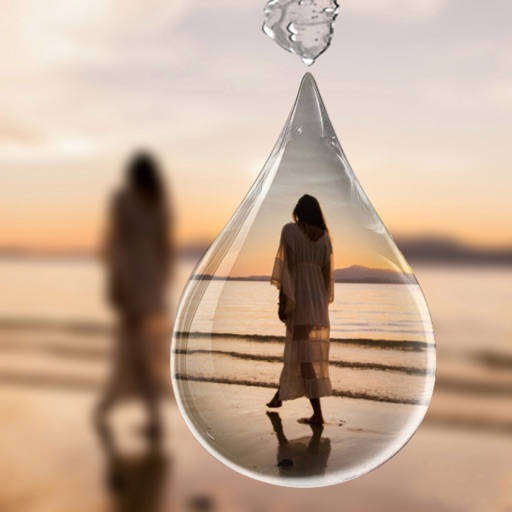
Create 3D photos from 2D images using built-in tools. Apply photo masks to isolate subjects. Combine multiple photos to form composite images. Share edited photos directly. Adjust lighting and colors for enhanced visuals.
by Guangzhou Beauty Information Technology Co.,Ltd.★ 4.9159 ratingsPhoto & VideoFreeData updated 2026-09-09
Create videos using selected images from the gallery. Add text, transitions, and background music. Share videos directly to social media platforms. Edit photos with filters and cropping tools. Export in high resolution for playback.
Create -themed collages using 100+ available frames. Add text with customizable fonts and colors. Adjust opacity and rotate images. Select photos from gallery or camera. Apply effects to enhance visuals.
Edit photos using masks and blend modes. Combine images with multi-exposure settings. Apply filters from other apps with adjustable intensity. Add or replace objects and textures. Create custom filters with overlays. Add watermarks or logos.
Edit photos and videos with filters, effects, and frames. Crop, adjust brightness and contrast, and add text. Share edited content directly with friends.
Remove backgrounds from photos to create transparent images. Highlight the subject and replace the with a new image. Adjust transparency and export the edited photo.
Create layered collages by combining images with one click. Add special effects to draw or erase . Apply filters and frames to enhance visuals. Share finished blends directly to Instagram.
Edit photos with PIP frames, collages, and creative layouts. Add crystal bottle patterns and cartoon styles. Share edited photos directly to social media. Adjust brightness, contrast, and colors. Crop and rotate images.
Add realistic unibrows to photos and animate facial expressions like yawning or wiggling eyebrows. Combine with other Faceify effects for multiple styles. Share edited images directly.
Remove backgrounds from photos using AI-powered erasing. Select and isolate subjects with precision. Adjust edges and refine details. Export edited images in various formats. Share directly or save to device storage.
Select photos from gallery or photo library. Choose from numerous PIP frames. Use single image for both foreground and background or different images for each. Edit foreground and background separately. Apply photo filters.
Create -style art from photos using AI Anime Effect. Generate images with AI prompts for creative customization. Apply filters to enhance and stylize visuals. Export and share transformed images directly.
Edit photos with stretching, squeezing, pinching, and prodding tools to create surreal effects. Apply advanced image manipulation techniques similar to professional software. Export edited images in various formats and share directly.
Create collages using 100+ 2D/3D frames. Add images from gallery or camera. Adjust opacity and rotate photos. Include text with custom fonts and colors. Apply effects to enhance visuals. Export and share finished collages.
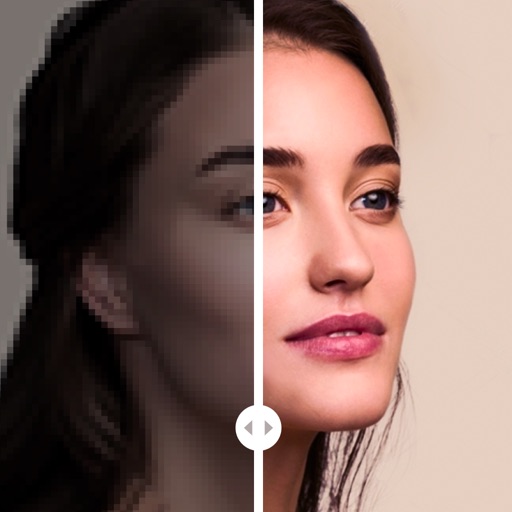
Enhance blurry, pixelated, or damaged images using AI. Adjust clarity, color, and brightness. Apply filters and effects. Restore old photos and damaged images. Export enhanced photos in various formats.
Create collages with layouts, filters, and stickers
Create collages using 300+ layouts and customize shapes and aspect ratios. Apply 200+ filters, add stickers, HD backgrounds, text with stylish fonts, doodles, and quotes. Share collages directly to Instagram and other social media platforms.
Capture 360° photos using compatible cameras and upload them directly. Document site progress in 360° format. Share updates with stakeholders. Manage data access with multiple permission levels.