
JobWalk Construction Tracking
Capture 360° photos and share progress
HoloBuilder Inc.
iPhone Screenshots

Description
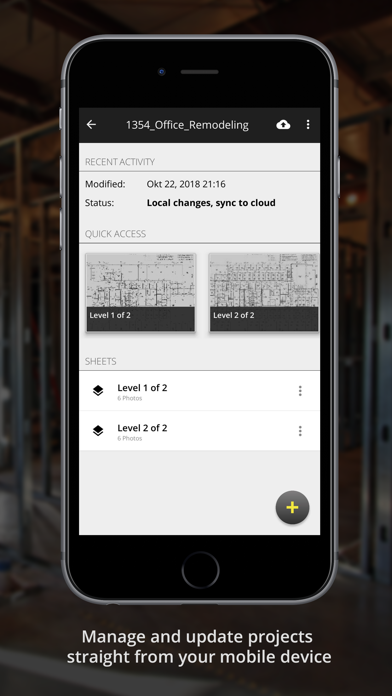
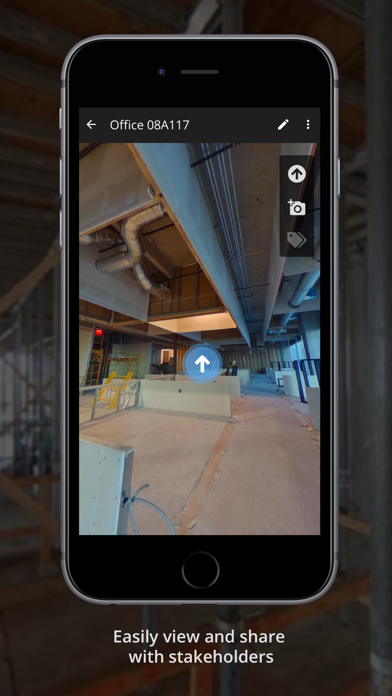
Capture 360° photos using compatible cameras and upload them directly. Document site progress in 360° format. Share updates with stakeholders. Manage data access with multiple permission levels.
The JobWalk App is the easiest and fastest way to create 360° progress documentation of your construction site with your 360° camera. Share progress with stakeholders and maintain security of your data with multi-tiered levels of access management.
Capturing 360° photos with the JobWalk App is as easy as:
1. Connect your 360° camera (e.g. Ricoh Theta V, Theta S/SC, Garmin VIRB 360, Samsung Gear 360, LG 360 cam, NCTech iris360, Insta 360 Pro with custom firmware...) to your phone
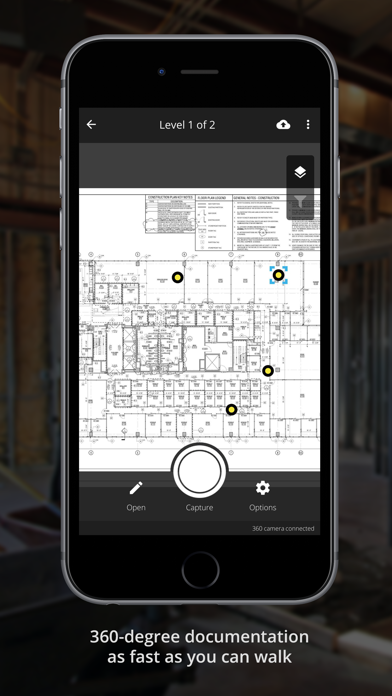
2. Upload a sheet in order to provide a location for all 360° images on site
3. Tap the desired image location on the sheet and then tap the capture button to take a 360° image. Images are automatically timestamped and linked to the location on the floor plan. Repeat this process throughout your jobsite to capture the entire project then sync your project to your account.
360° photo documentation is the best way to keep track of the construction progress, create thorough as-built documents, and manage all construction projects from one place online.
We’re always happy to hear from you! If you have questions or feedback write us at support+[email protected]