The app allows users to place iconic Heisenberg elements onto photos. Users can take new photos or select existing ones, then adjust the hat, sunglasses, and beard using gestures.
by Nigel Green★ 4.05 ratingsEntertainmentFreeData updated 2026-10-31
Allows users to edit group photos by removing unwanted people or faces. Adjust expressions and reposition individuals within the frame. Apply filters and effects to enhance the overall appearance of the image.
The app allows users to add voice effects or replace the sound on videos. Users can share creations to Facebook, iMessage, Vimeo, Airdrop, and Mail, or save them to the camera roll.
Change eye appearance in photos and videos using face detection. Apply funny eye effects like big, sleepy, or cartoon styles. Choose from makeup options including liners and shadows. Select animal or Halloween-themed eye transformations.
Edit photos by drawing on them with adjustable brush sizes and color choices. Use an erase tool and undo/redo functions for precision. Save edited images for later changes or share them directly on social networks.
Create personalized greetings with frames, cake designs, stickers, and fonts. Add photos to cakes or customize names. Edit and share messages with text and decorative elements.
Edit photos by adding vampire from a collection of over 120 options. Adjust sticker placement and choose between black or white background. Select photos from the gallery or capture new ones with the built-in camera.
Create animated face expressions from pet photos using AI. Record and replay animations with voiceovers. Share videos on social media. Customize animations with filters and effects. Add text captions to videos.
Try on different hairstyles, beards, and goatees using uploaded photos. View multiple and color options. Purchase additional looks. Share photos with others for feedback. Edit and save try-on results.
Tsingtao TikTok Information Technology Company Limited
Try AI haircuts in 15 seconds
Use AI to simulate styles from photos. Select an AI effect, upload a clear image, or take a photo. nd view the result in 15 seconds. Share the outcome directly.
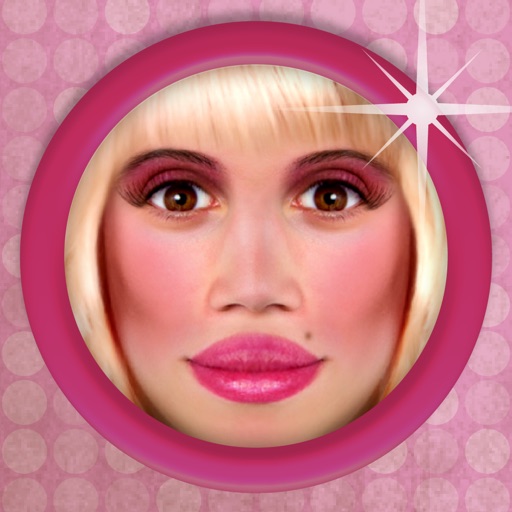
The app allows users to transform photos to see how they would look with a 'bimbo' effect. Users can apply makeup, plump lips, and change facial features.
Allows users to or unblur specific areas of an image. Select photos from the gallery or capture new ones with the camera. Apply effects and save edited images to the gallery. Share blurred photos on social media platforms like Facebook and Instagram.
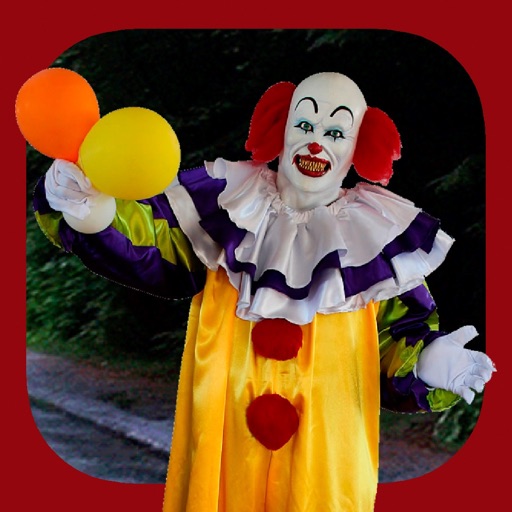
Add clown to photos for a scary effect. Choose from available , position them, and change background to black or white. Edit images using built-in tools and save or share the modified photos.
Add realistic unibrows to photos and animate facial expressions like yawning or wiggling eyebrows. Combine with other Faceify effects for multiple styles. Share edited images directly.
Create animated videos by customizing characters and backgrounds, recording voiceovers, and adding text or images. Share Gamis via social media or messaging apps. Edit and export videos in various formats.
Replace photo backgrounds with Christmas-themed designs. Adjust lighting and colors for realistic effects. Crop and resize images. Save and share edited photos directly.