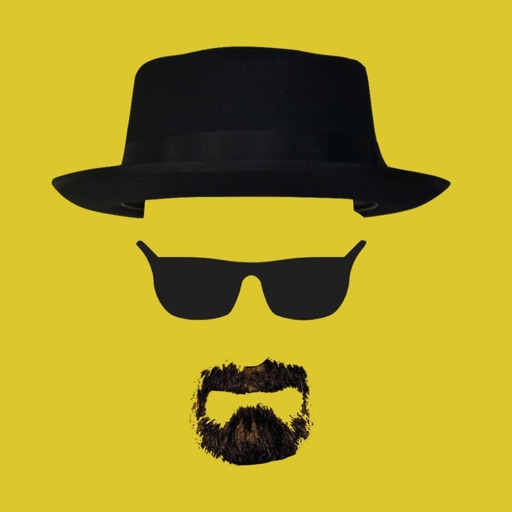
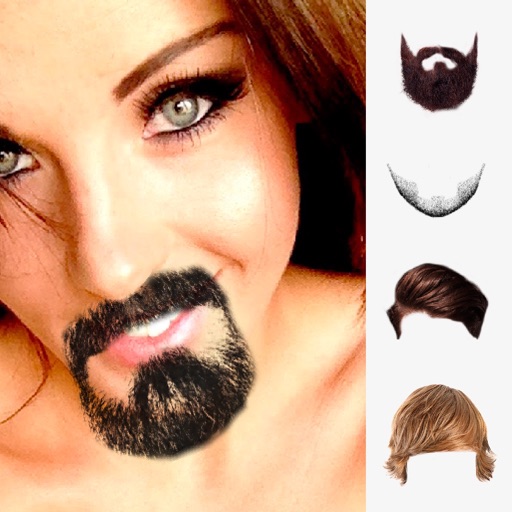
The app allows users to place iconic Heisenberg elements onto photos. Users can take new photos or select existing ones, then adjust the hat, sunglasses, and beard using gestures.
by Nigel Green★ 4.05 ratingsEntertainmentFreeData updated 2026-10-31
Fry the last frame of videos to upload to TikTok. Edit memes by frying images or GIFs from the photo library or Gfycat. Share finished memes to camera roll or via iMessage as stickers. Open created memes in TikTok and Snapchat.
Add text to photos using customizable fonts and captions. Overlay images with artistic artwork or choose from filters and frames. Scale and crop photos for editing. Share edited photos directly to Instagram.
Take photos with real-time filters and artistic effects. Edit images with cropping, brightness, and color adjustments. Add text, stickers, and holiday-themed decorations. Share edited photos directly to social media.
Record videos with facial tracking to animate photos as celebrities, politicians, or paintings. Switch between multiple faces in a single image. Share videos on social media platforms like Instagram, TikTok, and Facebook.
Create and share framed photos with religious and cultural decorations. Add greetings, wishes, and prayers to images. Customize with Islamic motifs and export edited photos to social media.
The app allows users to add gruesome graphics to photos, transforming faces into humorous horrors. Users can save or share their creations via Facebook, Twitter, or email.
Merge faces to create humorous mixed images with friends, family, or celebrities. Adjust facial features and proportions. Share results via email, MMS, Facebook, or Twitter. Use preloaded example pictures or upload photos.
Capture photos and videos without storing them on your device. Share directly via social media or messengers. Choose where to save media or send it instantly. Set default preferences and switch between front and back cameras.
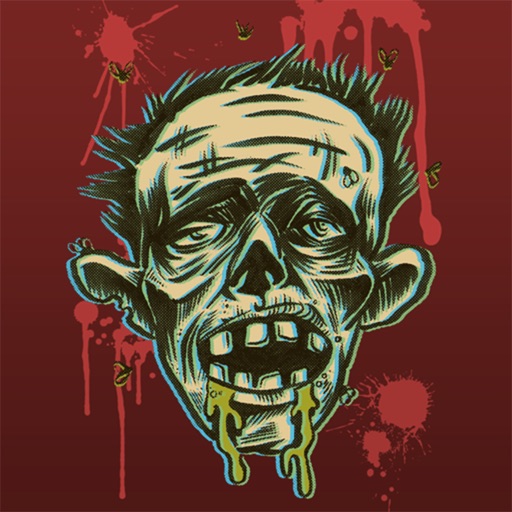
The app transforms photos into gruesome zombies. Users can select existing photos or take new ones, then mutate individuals or groups into the living dead.
Edit photos by selecting from the gallery or using the camera. Add and adjust their position, size, and rotation. Crop images by dragging or scaling with two fingers. Share the edited photo directly.
Place a photo of a person in a rocket to start an invasion. Shoot rockets to earn coins for upgrading weapons or purchasing new ones. Rotate your device to aim and fire. Upload photos from the gallery or take new ones.
Use augmented reality to place 3D emojis in your environment. Select from a variety of iconic emojis. Move, rotate, and resize them. Emojis interact by colliding and bouncing. Capture photos and videos with emojis. Share the content with friends.
The app allows users to create Grinchmas cards using Seuss characters. Users can personalize cards with stamps, borders, and text, then share them via social media or save them.
The app transforms user faces into various scary Vampire, Demon, and Zombie designs. Users can adjust effects on-the-fly and use finger gestures to rotate and resize them.
Record using both front and back cameras simultaneously. Capture picture-in-picture footage with one camera. Save videos to the photo library for easy management, sharing, and deletion. Enable night mode for improved lighting.