Allows users to edit group photos by removing unwanted people or faces. Adjust expressions and reposition individuals within the frame. Apply filters and effects to enhance the overall appearance of the image.
by Yair Bar-On★ 4.3851 ratingsPhoto & VideoFreeData updated 2026-09-08
Upload full-size photos to social media without cropping. Adjust aspect ratios to match platform requirements. Preview and finalize images before sharing. Avoid cutting out parts of group photos. Save and share original quality images directly.
Create photomontages by combining elements from multiple images. Select and move objects between photos. Add text and effects. Export and share final compositions.
The app allows users to apply various effects to pictures using finger-painting techniques. Users can adjust brush properties and image effects, with processing done at original resolution.
Create animated photos by adding motion to selected elements. Choose animation styles, adjust timing, and export as video or GIF. Share directly to social media or save for later.
Edit photos with AI-enhanced tools for clarity and resolution. Remove unwanted elements and separate figures or objects. Apply AI skin corrections and custom filters. Adjust HSL and curves for precise color and tone control.
Edit photos and videos with AI-powered tools like face enhancement, makeup application, and background removal. Apply cartoon filters, stickers, and thousands of effects. Capture selfies with AI auto-beautification. Share edited content directly.
Merge photos into artistic compositions by selectively editing and combining image elements. Remove or re-add parts using finger painting techniques. Adjust brush settings for precise control.
Enhance photos by removing blur, restoring details, and improving clarity. Adjust brightness, contrast, and color. Save and share edited images. Supports batch processing and integrates with cloud storage.
Merge multiple photos into a single artwork by selecting and combining image sections. Remove or re-add parts using finger painting techniques. Adjust brush settings for precision.
Apply filters to selfies and videos. faces with others in photos. Add filters and voice changer effects. Share edited content directly. Transform appearances instantly for creative or humorous purposes.
Remove unwanted objects, people, or blemishes from photos. Crop, resize, and adjust aspect ratios. Replace or fix backgrounds and foregrounds. Erase text, lines, and tattoos. Improve clarity and tweak brightness, contrast, and saturation.
Create photos by combining parts from multiple devices. Choose a style, name, and set a password for a new or join an existing one using the name and password. Save the final image to your album in high resolution.
Remove photo backgrounds using AI-powered object detection. Automatically isolate subjects for transparent image export. Edit and save images for use in product photos, thumbnails, stickers, and memes.
Photos and videos using AI to expand images, remove objects, and replace or blur backgrounds. Enhance image quality, restore old photos, and create AI-generated scenes. Share edited content directly to Instagram.
Create poster or template collages with up to 20 photos or videos. Add text to images or videos. Edit photos with filters, cropping, and adjustments. Enhance visuals with artistic text overlays. Export collages in multiple formats.
And people from photos using AI-powered erasing. Edit images with AI expand, generative fill, and AI replace tools. Adjust backgrounds for a natural look. Export edited images in various formats.
Create typographic designs by selecting a background and typing . The automatically arranges with various fonts and typefaces. Export designs and share them directly.
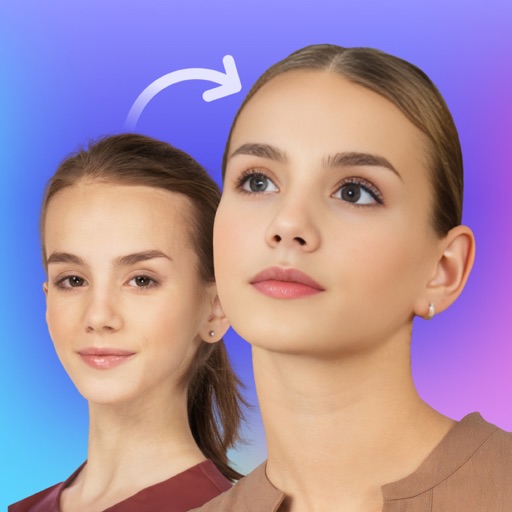
Swap faces in photos with AI technology. Adjust facial features and expressions. Anonymize or prank by replacing faces in profile portraits. Handle complex cases like sideways faces, glasses, and headwear. Swap faces up to 1024 px in size.
Create custom emojis using a variety of components like eyes, mouths, and backgrounds. Customize colors and styles. Save and share created emojis. Collaborate with others to design and exchange unique sets.