Apps Like PDF Security Pro Edition for iPhone and iPad
Protect PDFs with passwords and permissions.
The app protects PDF documents using passwords and permissions. It offers a native macOS experience with improved performance and stability for securing sensitive documents.
by PDF Technologies, Inc.★ 0.00 ratingsBusiness$3.99Data updated 2026-10-30
Scan documents, receipts, books, photos, and whiteboards with precise edge detection and automatic straightening. Tap to capture and save scans in PDF or image formats. Share scanned files directly via email or cloud services.
The app provides a security token authenticator for mobile devices. It protects online banking accounts by generating one-time passwords for authentication and authorization of transactions.
Digitize documents by scanning to PDF using a mobile device. Edit scanned files with tools for text and annotations. Add signatures and share documents via email or cloud services. Export in multiple formats for different platforms.
Read and edit PDF documents with highlighting, underlining, and hand-drawn annotations. Add text, fill forms, and sign directly. Annotate with freehand graphics and insert text. Save and share modified files.
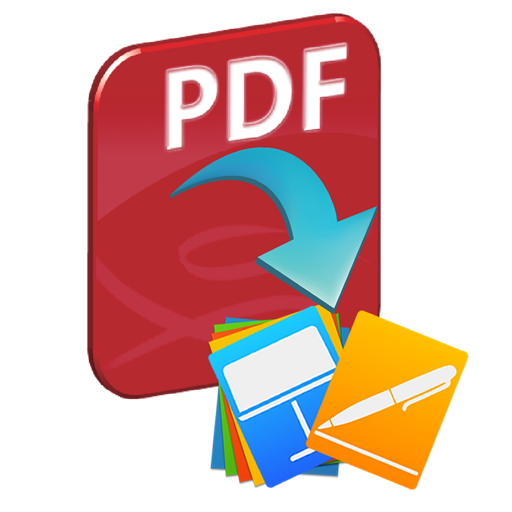
Convert PDF files to Pages, Keynote, plain text, and image formats including TIFF, JPEG, PNG, GIF, and BMP. Specify page ranges for conversion. Automatically recreate layouts, apply styles, regroup graphics, and extract images without manual editing.
Add watermarks to PDF files using images or text. Batch process multiple documents. Include file names, logos, signatures, or URLs. Apply date and time stamps. Protect PDFs with visible watermarks.
The app records business income and expenses in ledger sheets. It stores company details and transaction sheets, allowing users to save multiple ledger files and export them as PDFs or CSVs.
Edit, , split, merge, and convert PDFs and images. Convert between PDF and image formats. Export files directly. All processing occurs locally without cloud storage or data collection.
Read PDFs with horizontal swiping between pages and pinch-to-zoom for detailed viewing. Search for keywords with match counts and navigate between results. Print documents directly and share via Mail, Messages, or AirDrop.