

Apps Like Custom Sound for iPhone and iPad
Custom Sound screenshots
Ranked alternatives
Showing 341–360 of 1,000 ranked alternatives.
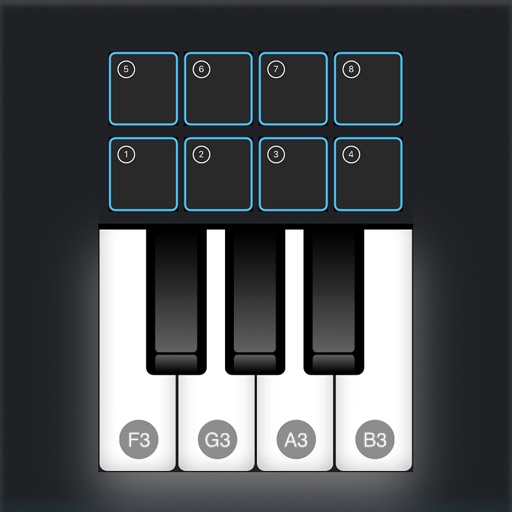


Bass Enhancer
RRS, OOO
Enhance in your audio tracks
Enhance frequencies with real-time equalization and saturation controls. Adjust low-end resonance and harmonic distortion. Load presets or customize settings. Save and recall configurations. Available as a time-limited demo with reload options.

GSDSP MagicFilter
Gustav Scholda
Shape frequencies with multi-curve filters
Create and manipulate complex frequency filters with multi-curve spectral shaping. Adjust filter amounts per frequency or range. Mix, modulate, and spread curves for dynamic sound design. Export and apply filters to audio tracks.

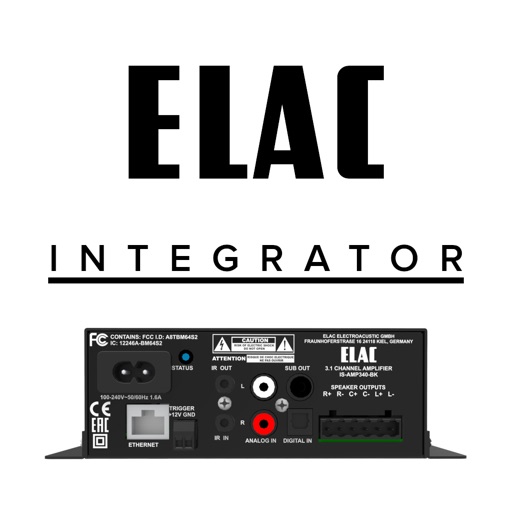

DSP-CONTROL
AllDSP GmbH & Co. KG
Adjust speaker settings and activate presets
Adjust audio settings for WALL-05DT, MEGA-, DSM series, and STA-1000DSP speakers. Activate presets and customize equalizers with 8 filter functions. Adjust delay, limiter, gain, and low cut. Sync with PC software features.

WOW Filterbox
Sugar Bytes GmbH
Stream audio and apply filters
Apply audio filters with 21 types including lowpass, bandpass, and comb. Adjust filter slopes up to 48 dB using SVF, diode ladder, and transistor ladder. Add distortions and modulations for sound effects. Output processed audio files.


Chaos Audio
Chaos Audio LLC
Program effects, save presets, control pedal
Configure and manage pedalboard effects via the . Program and save custom presets. Access a library of third-party effects. Share presets with other users. Function as a standalone or multi-effects unit.

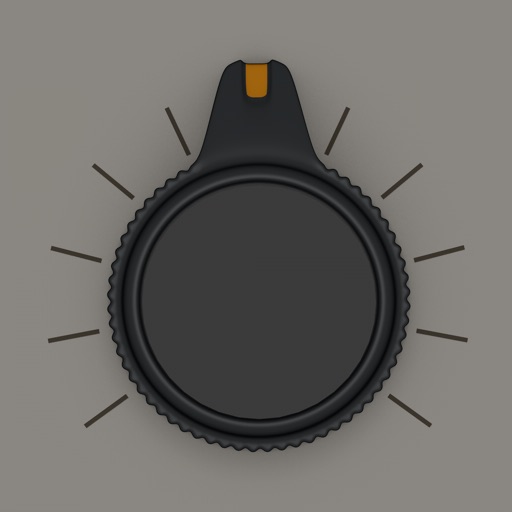
Blindfold EQ
AudioThing Ltd.
Adjust EQ bands without visual feedback
Adjust audio frequencies using four blind knobs for LowShelf, LowMid, HighMid, and HighShelf. Users manipulate gain and Q values without visual indicators. Export adjusted audio files.

Oscillator
正行 Akamatsu
Generate tones and test audio waves
Udio tones with four waveforms: sine, square, saw, and white noise. Adjust frequency using a slider or numeric input. Control amplitude with a dB-style slider. Pan sound left or right with a slider. Toggle sound output on or off.




How we rank alternatives
Apps are ranked by functional similarity, category fit, rating confidence, and popularity.