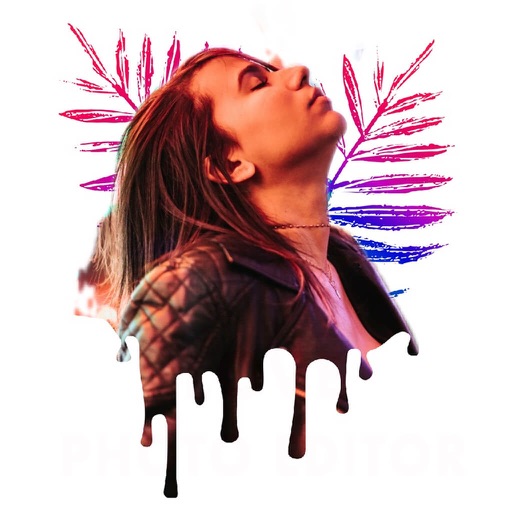
The app allows users to create miniature photo effects with adjustable depth blur, simulating a real camera's bokeh. Users can select photos, adjust blur intensity, and save or share the generated images.
by Takeshi Kayahashi★ 3.02 ratingsPhoto & VideoFreeData updated 2026-10-29
The app offers tools for photo editing, including frames, layouts, and effects. Users can adjust color balance, brightness, contrast, and saturation, and apply sharpening or blurring.
With filters, cropping, and adjustment tools. Apply beauty enhancements and double exposure effects. Use color splash and resize images. Access frames and story templates. Change resolution and export in multiple formats.
Apply effects to photos or videos. Choose from options like soft focus, pixelate, motion , and prism. Adjust intensity and apply effects with touch controls. Export modified content directly.
Photos by tapping to automatically backgrounds or specific objects using AI. Select images from the library or camera. Adjust intensity and apply effects to hide unwanted details. Export edited photos directly.
Edit photos with multiple layers, blending modes, and masking. Adjust colors and brightness using adjustment layers. Apply brushes, smudge, warp, and effects. Add shadows and clarity. Export and share edited images.
Create photos by setting diameter in pixels, millimeters, centimeters, or inches. Import or capture photos, zoom, and move images. Edit with filters, focus, effects, and text. Adjust colored borders. Save, print, email, or share the final image.
Create collages with customizable blur backgrounds and adjustable layouts. Apply filters like black and white, vintage, and retro to enhance images. Edit photos by resizing, cropping, or deleting elements.
Capture motion blur and light trails using speed settings. Adjust exposure time, ISO, and focus manually. Import photos and apply creative effects. Share images directly from the .
Watch short with episodes lasting one minute. Browse genres like comedy, thriller, and time-travel. View content vertically for mobile use. Subscribe to access new episodes. Rate and comment on shows. Share clips with social media.
Create portraits with lens blur. Apply realistic bokeh effects with a custom engine that samples 500 times per pixel at 4K resolution. Adjust blur intensity and shape. Export edited images in high resolution.
Create and edit drawings with brush, blur, eraser, fill, pen, pixels, procedural, select, smudge, text, and vector tools. Work with hundreds of layers. Participate in daily drawing challenges, competitions, and collaborative co-ops.
Create or Rabbit Hole effects from with one tap. Transform panoramas and landscape images for unique visual styles. Instantly apply effects without needing advanced editing tools.
Edit photos by applying filters and adding eye effects. Choose from multiple eye styles and import images from the camera roll. Share edited photos on social media platforms like WhatsApp, Facebook, and Twitter.
Edit photos by blurring backgrounds, faces, or specific subjects. Apply various effects and filters. Save edited images to the camera roll or share them directly.
Edit videos by trimming, splitting, and merging clips with adjustable durations and transitional animations. Apply diverse filters and retouch photos. Add multi-layer subtitles with adjustable timing and customizable fonts.
Auto-focus and exposure adjust automatically for portraits. AI enhances depth and background blur. Use Photo Coach for real-time guidance on composition and technique. Edit photos with filters, cropping, and adjustments.
Apply art to photos for creative visuals. Add spiral effects and blur backgrounds. Use emoji art, background art, and outline art to enhance images. Apply AI, cartoon, neon, and mask effects. Create retro, atlantis, and big camera styles.