
iPhone Screenshots
Description
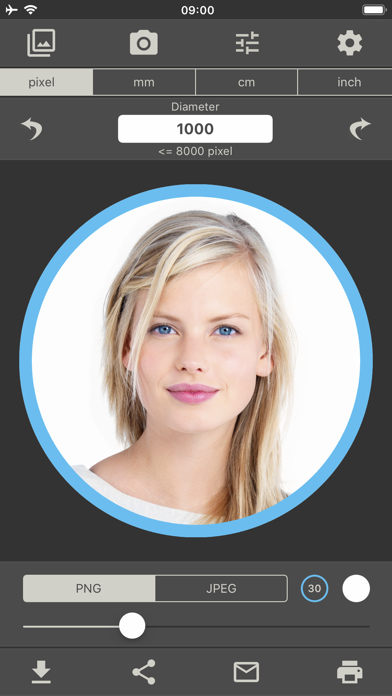
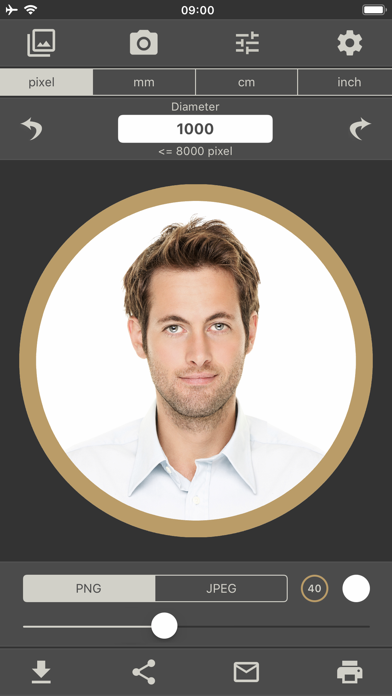
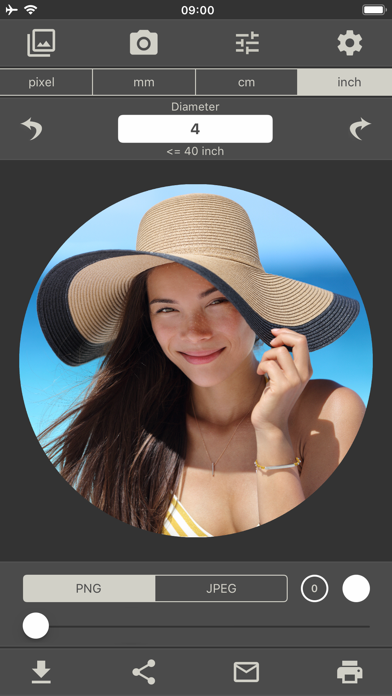
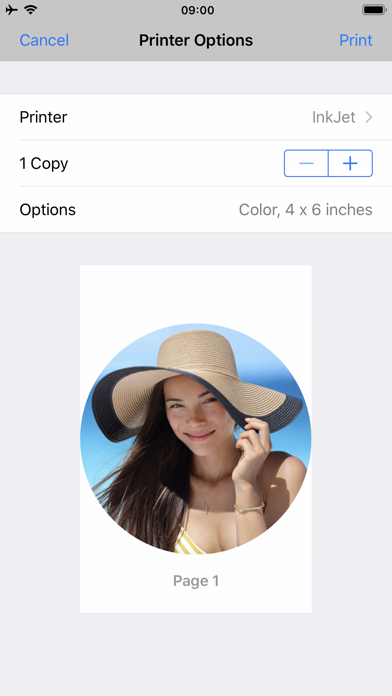
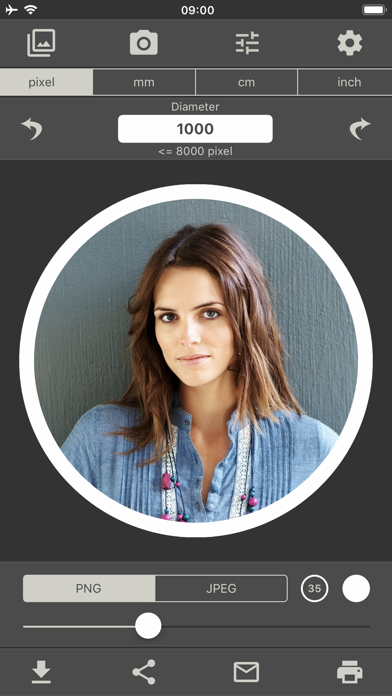
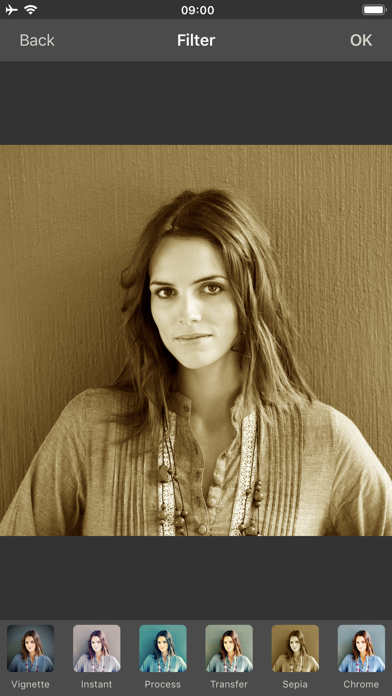
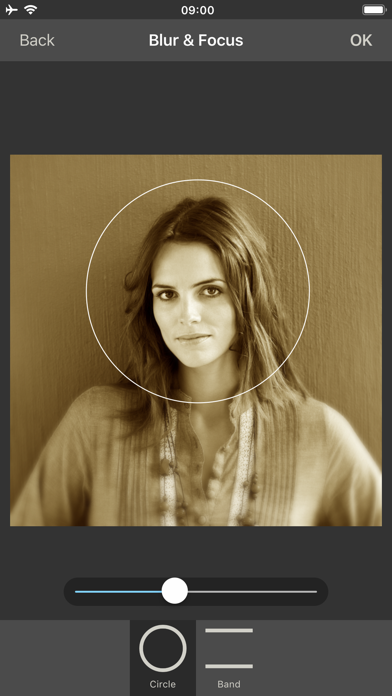
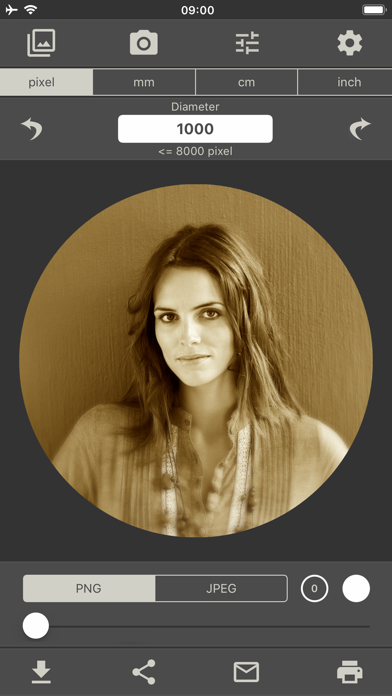
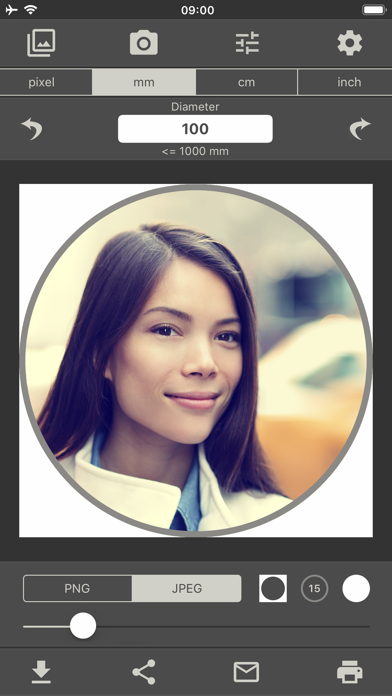
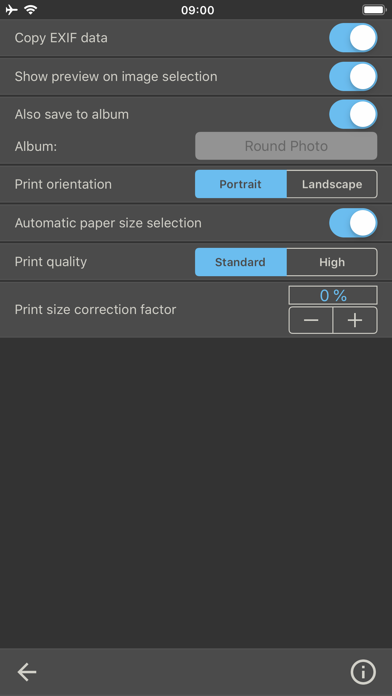
Create photos by setting diameter in pixels, millimeters, centimeters, or inches. Import or capture photos, zoom, and move images. Edit with filters, focus, effects, and text. Adjust colored borders. Save, print, email, or share the final image.
This app gives you the ability to create, print, email, or share a perfect round photo.
1. Enter the desired diameter of the photo in pixels, millimeters, centimeters or inches.
2. Open a photo or take a photo with the camera.
3. Zoom and move the photo with your fingers.
4. Edit the photo with the powerful photo editor. (filter, focus, effects, text)
5. Adjust the colored border.
6. The finished round image can now be saved, printed, sent or shared.