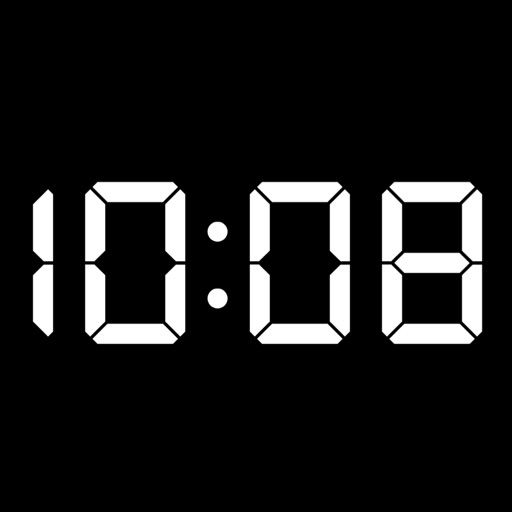
Display time and date in full screen with landscape or portrait orientation. Switch between 12-hour and 24-hour formats. Toggle dark and light modes. Choose between flip clock and analog clock styles. Enable or disable flip animation.
Securely store and access photos and videos with a password-protected lock. View files behind a interface that hides content until the correct password is entered. Manage and organize media within a private, encrypted album.
Add to your home screen with customizable options. Choose from 76 , including 32 free ones. Purchase Pro for additional . Display time in 12 or 24-hour format. Supports iOS 14 and above.
Create and save multiple timers with customizable settings. Set time limits for color changes and thresholds. Adjust colors and animations. Track elapsed time with inverted colors after reaching zero. Control timers with simple touch gestures.
Set alarms with customizable time modes and iTunes music. Choose from six nature sounds. Adjust snooze duration and brightness. Use a bedside clock with a . Add or delete alarms via swipe or tap.
A for basketball, water polo, and billiards. Start and stop the timer by tapping the display. Switch between timers by swiping left or right. Adjust time by swiping up or down. Customize background, text, and button colors.
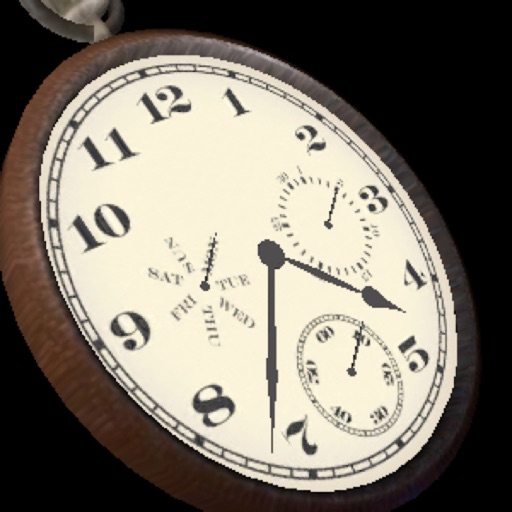
The app displays a three-dimensional analog watch showing the date and day of the week. Users can zoom in and out, and interact with the clock mechanism by turning it around or pushing the knob.
Set alarms with from your iPod library. Choose multiple alarms and customize vibration settings. Enable weekday/weekend repeats and switch between digital and analog themes. Adjust colors and time/date settings.
Wake up gradually with guided visualizations, stretching, and breathing exercises. Listen to calming sounds and soothing music. Customize meditation alarms based on your personality. Track progress and adjust settings for a peaceful morning routine.
![Analog Clock[Simple] app icon](https://is1-ssl.mzstatic.com/image/thumb/Purple49/v4/e9/ee/b1/e9eeb15b-1db0-1bce-9161-24ddd3f42b0d/mzl.uwlfbjdy.png/512x512bb.jpg)