Install and use custom TrueType, OpenType, and TrueType Collection fonts on iOS devices. Apply fonts across system apps like Word, Excel, and PowerPoint. Prevent font substitution in documents and presentations.
by Pepperbit Online GmbH★ 4.626,189 ratingsUtilities$1.99Data updated 2026-11-14
Create creepy text for social media with cursed fonts and art. Generate hacked messages and nickname styles. Design profile layouts and send spooky texts to friends. No ads or tracking. Free to use.
Customize messages, statuses, and stories with unique fonts, symbols, and stickers. Add funny captions and comments. Share across social networks, messengers, calendars, contact lists, and task managers. Unlock all fonts with a one-time purchase.
Manage notes with an intuitive interface that displays all content at a glance. Organize notes into multiple boards by category. Customize posts with various fonts, pastel colors, and patterns.
Customize fonts for social apps like Instagram, TikTok, and Snapchat. Select from various funky fonts and create personalized themes. Apply custom fonts across multiple platforms with simple setup steps.
Track game scores with customizable scoreboards. Create multiple boards with team names and colors. Set increments and large fonts for visibility. No ads. Monitor progress across different games.
Write on images using built-in fonts, backgrounds, and colors or upload custom fonts. Save images as editable documents for reuse. Undo and redo changes. Sync across iPhone, iPod Touch, and iPad.
Use private LLMs fully offline with on-device model processing for Apple silicon. Chat with or generate outputs for other apps. Customize theme, fonts, and system prompts. Works on iOS, iPadOS, macOS, and visionOS. Open source and free.
Create custom fonts by drawing letters with handwriting. Choose animation colors and brush settings. Support multiple languages. Switch styles and themes. Use fonts in messaging apps like WhatsApp and iMessage.
Create messages with customizable fonts, repeated , and rotated words. Adjust letter size with a single click. Input and apply formatting options to generate unique and humorous messages.
Customize text with a variety of and themes across messaging apps. Apply unique to messages in iMessage, WhatsApp, and other platforms. Change appearance with customizable font styles and colors.
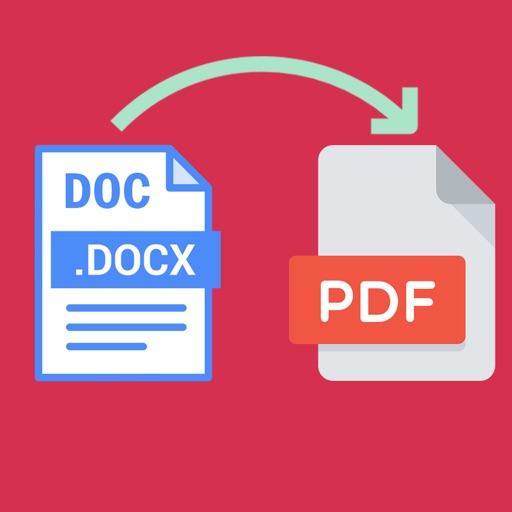
Word documents to PDF with full font support including Unicode, Indian, Arabic, Brazilian, and special fonts. Edit and view PDFs without font errors. Save and share converted files directly.
Organize notes with folders and subfolders. Attach photos, documents, voice recordings, and video links to notes. Convert folders into to-do lists. Set reminders and use passcode lock. Customize themes and highlight folder names.
Track daily activities and moods with entries and attached photos. Set passwords and PIN codes for security. Search entries by date or hashtag. Customize fonts and themes. Back up data to Google Drive and export/import entries.