The app allows users to create photo slideshows in 3D or cartoon styles. Users can select photos from their gallery, camera, or social networks and add titles with various fonts before rendering the video.
by Ricardo Corin★ 2.04 ratingsPhoto & VideoFreeData updated 2026-10-27
Create animation with filters, changer effects, and 8 animation styles including cartoon, , and pop art. Apply effects live from camera or photo library. Share on Instagram, Snapchat, or Facebook.
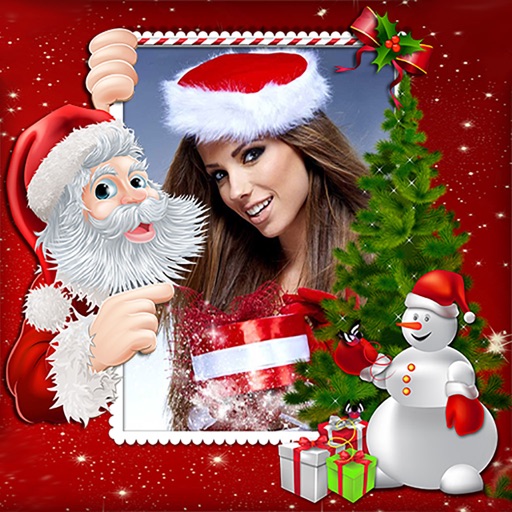
Create holiday collages with customizable layouts, -themed grids, and backgrounds featuring Santa, gifts, and snowmen. Add text messages, select photos, and design e-cards with festive frames and decorations. Export and share finished collages.
Create AI-powered videos with one tap. Capture 4-cut photos with pose guidance and unlimited retakes. Turn selfies into cartoon characters with customizable styles. Add dynamic music and effects to photos and videos. Share edited content directly.
Create and manage albums. Import and export from the photo . Preserve and view Exif data including date, ISO, and GPS. Search by caption or description. Create slideshows and play videos. Edit with cropping, orientation adjustments, and filters.
Create holiday e-cards by selecting from 40+ photo frame templates. Choose a photo from the gallery or camera. Apply effects to personalize cards. Save and share finished designs.
Edit photos with blur background settings, shattering effects, and color frames. Add overlays and crop, rotate, or flip images. Import from gallery or camera, and share edited photos to social media.
The app transforms user photos into videos using an AI that analyzes quality, faces, composition, and lighting. It offers over 40 transitions, a music library, and export options for various social platforms.
Record with one tap, capture high-resolution video without ads or watermarks. Include system audio and microphone input. Edit recordings with trimming, cropping, and effects. Export videos to photo library.
Create for social media posts. Add motion to for Instagram stories and YouTube intros. Customize animations and export for sharing on WhatsApp or social platforms.
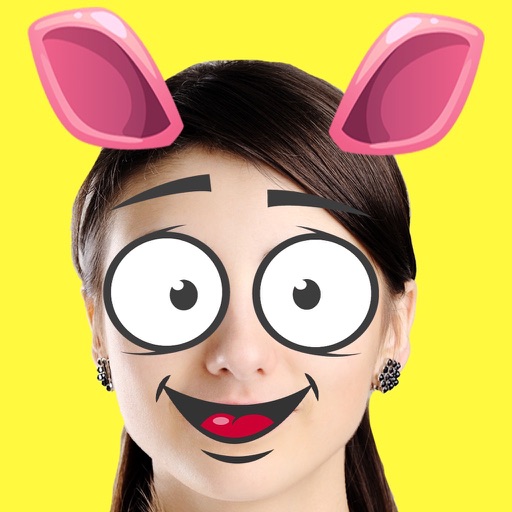
Create custom emojis by adding eyes, lips, hairstyles, hats, glasses, beards, mustaches, and props. Add text with various colors and fonts. Rotate, move, and zoom and text. Share emojis and memes directly within chats or social media.
The app allows users to create Hollywood-inspired movies with cinematic sound effects and background music. Users can export their movies in various resolutions and share them directly to social media platforms.
Create dynamic slideshows with auto-updating content from cloud storage. Add custom animations, video playback, clock, and weather overlays. Display photo details and sync with iCloud, Google , Google Drive, Microsoft OneDrive, and Dropbox.
Add multiple decorated texts to photos with various fonts and styles. Adjust color, size, and font name. Add outlines and shadows. Resize, rotate, and position texts freely. Save edited photos directly.
Edit photos with 25 tools and effects. Adjust brightness, contrast, and saturation. Save progress and undo changes. Share edited photos to social networks. Preserve EXIF data and edit geo-location. Export high-resolution images up to 3000x3000.
Create collages by combining photos into -shaped frames. Apply filters and adjust colors. Share collages directly or save in various formats. Organize memories in a single album.
Create and share framed photos with religious and cultural decorations. Add greetings, wishes, and prayers to images. Customize with Islamic motifs and export edited photos to social media.
Add bubbles to photos to create comic-style . Place text on images of friends. Adjust bubble styles, fonts, and colors. Add multiple bubbles to group photos. Share creations with others.
Add and to with customizable fonts and animations. Position and resize anywhere on the screen. Set duration using a time slider. Crop to square. Choose from preloaded or . Apply start and end animations to elements.