
iPhone Screenshots






Description
Record with one tap, capture high-resolution video without ads or watermarks. Include system audio and microphone input. Edit recordings with trimming, cropping, and effects. Export videos to photo library.
Want to record gameplay or live stream, or make app demos and tutorials on your iPhone? Awesome Screen Recorder can help. It allows you to capture everything on your screen easily, edit the recordings with various useful tools and export the videos to your photo library. Check out the description below to see how it can help.
Record Your Screen
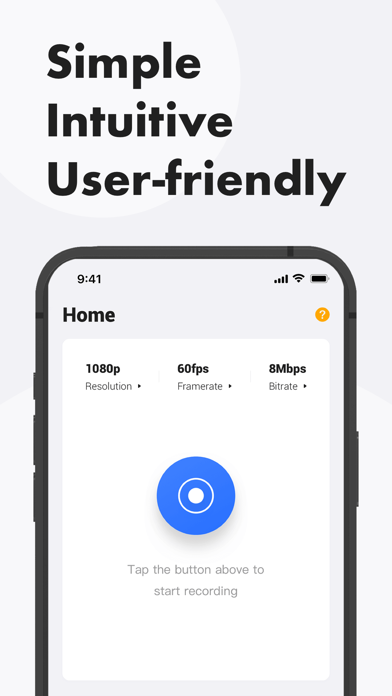
•One tap to start recording
• High-resolution for free
•No ads or watermarks
•System audio and microphone sound
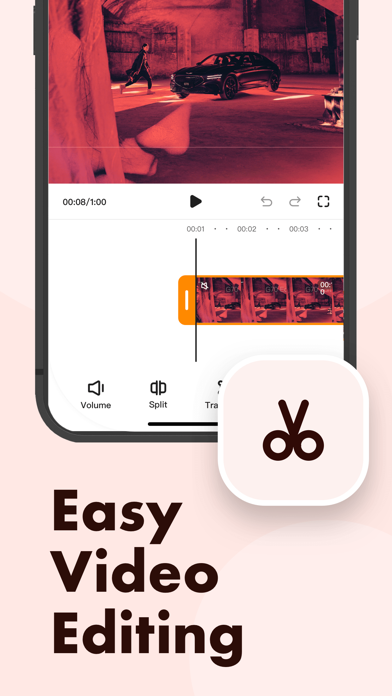
Edit Your Recording
•Change length by trimming and splitting
•Mute audio
•Change aspect ratio
•Add facecam reaction
•Add voice commentary
•Compress video
•Convert video to GIF
Share Your Video
•Save to Photos
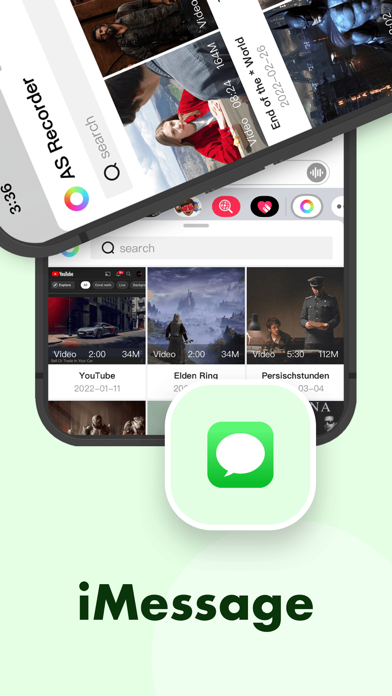
•Share through Messages
•Share to other apps
Get the app and start creating your recording videos today!
Feel free to contact us if you have any questions or suggestions.