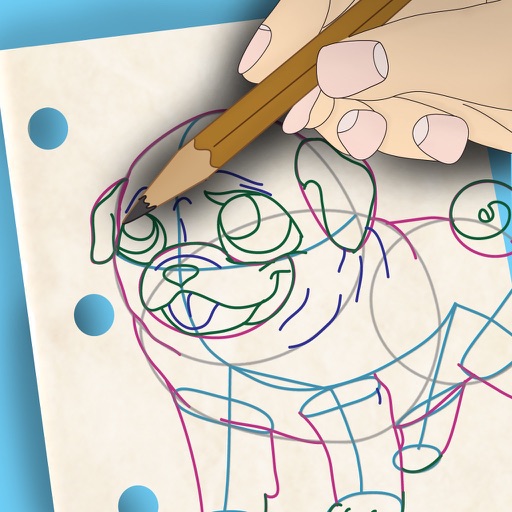
The app provides drawing tools including airbrush, pen, pencil, line, rectangle, and ellipse. Users can control tool color, size, and transparency, and manage layers with transparency and visibility settings.
by Jarrod Luker★ 5.01 ratingsProductivityFreeData updated 2026-10-26
Create intelligent sketches and drawings with layer management. Add markup for communication. Work through all design phases with fluid tools. Support for architectural and industrial design workflows.
The app provides graphic design and drawing tools for creating sophisticated projects. Users can design and collaborate anywhere, using photos, fonts, and shapes to create various graphics and art.
Convert photos into sketches or cartoon avatars using up to 20 image like pencil , color , and old movie style. Apply textures for added detail. Adjust settings for fine control. Export edited images directly.
Take notes with customizable ink styles and pressure-sensitive strokes. Choose from various pen tools and colors. Record and sync audio with writing. Draw precise shapes and lines. Share notes directly.
Create using a drawing interface with customizable brushes and pencils. Import and animate vector graphics. Export frames as images or video. Add sound effects and background music. Share directly to social media or email.
Create art, share animations, connect with artists
Create and share art animations with an integrated online gallery and . Browse and interact with over 700,000 designs. Categorize and tag artwork with hashtags. Moderate and recommend animations using AI.
Color images with 2D drawings and various tools including a bucket for filling areas. Explore daily updated collections of images. Share completed drawings via social media or email.
Senfoni Yazilim Hizmetleri Sanayi Ve Ticaret Limited Sirketi
Edit photos, add text, create collages
Edit photos with filters, cropping, and adjustment tools. Add text and graphics from a large selection. Create collages and designs with editing options. Export in multiple formats and share directly.
The app allows users to create spiral drawings with colorful gears and rings. Users can import photos, use multiple drawing modes, and save or share their creations.
Take handwritten notes with customizable pens, including Chinese-specific tools like a fountain pen and laser pointer. Create and organize notes in a whiteboard, notebook, PDF, mind map, or flashcards format. Sync and share notes across devices.
Create art with layer editing, color customization, and drawing tools. Add, delete, and copy layers. Adjust colors and save projects. Requires over 300MB free storage to create new projects.
Take notes with hand-drawn sketches, text, and diagrams. Use Apple Pencil for writing and drawing. Navigate pages with gestures and undo actions. Export notes to PDF. No ads or data collection.
Create art with layer editing tools including adding, deleting, duplicating, hiding, sorting, and grouping layers. Use blend modes and transparency settings. Access various tools like pen, eyedropper, eraser, and selection.
Take notes, draw charts and sketches, and annotate documents. Keep a diary or track tasks. Use AI assistant for brainstorming, completing assignments, and finding information. Export notes in multiple formats and share directly.