Apps Like Calculator Pro Elite for iPhone and iPad
Design calculator interface as desired.
The app offers a modern calculator with extensive customization options. Users can create custom themes, choose button shapes, and adjust visual elements.
by Cider Software LLC★ 4.82,064 ratingsUtilities$9.99Data updated 2026-10-25
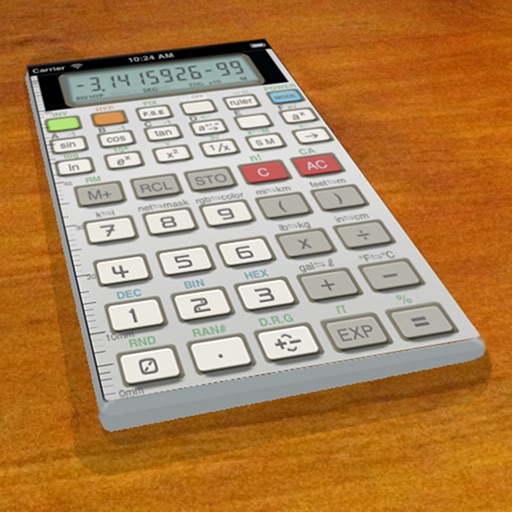
A vintage-style scientific calculator with a retro LCD display and realistic key sounds. Perform basic and advanced calculations, use shift functions, and access additional modern features like parentheses and memory storage.
Classic performs addition, subtraction, multiplication, and division. It provides audio feedback for calculation results. Displays results instantly on the screen. Swiping down shows a history of previous calculations.
Percentages by entering two of three variables. Use a modified keyboard to input values, including fractions and decimals. Store calculations in a history log. View detailed solutions and share results. No advertisements.
Set timers with customizable durations and intervals. Adjust volume and sound. Enable vibration and tactile feedback. Choose background color and font. Disable sleep mode during timing. Support dark mode and background notifications.
Turn your iPhone into a distraction-free device with a simplified interface. Customize a home widget to include only essential apps. Disable non-essential notifications and access to reduce digital .
Perform calculations with built-in formulas and expressions. Input daily rates and work schedules to compute annual income. Simplify complex equations with fewer button presses. Track multiple scenarios by adjusting variables.
The app allows users to print or email calculation history as a PDF. Users can correct entries with a backspace key and customize display and tape fonts, colors, and sizes.
The app offers scientific functions accessible by swiping between exponents, logs, and sinus functions. Users can correct entries with a backspace key, copy and paste numbers, and customize backgrounds and digits.
Replace the system keyboard with a customizable alternative. Adjust settings, type with custom fonts, and add extra toolbar rows or buttons. Choose emoji skin tones, paste from custom clip lists, and style the keyboard with themes.
The app offers a calculator with unit conversion, tip calculation, and RPN mode. It features a history tape and adapts to user preferences for button size and interface design.
Upgrade your free with paper tape history for reviewing and editing past calculations. or export the history to iBooks, Dropbox, email, or . Save and retrieve files, add comments, and modify entries. The iPad version includes a full-sized keypad.
The app calculates linear measurements, areas, volumes, and weights in US and metric units. It supports decimal or fractional notation and includes unit conversion, memory, rounding, and percentage functions.
Lets users save text page by page and combine notes into a . Notes can include up to 10 images. Users can save notes as single images. A keyboard expansion button allows cursor movement and pasting. Binders can be organized into categories.
The app provides a calculator with basic functions in portrait mode and expanded features in landscape mode. It includes several specialized calculators for fractions, units, discounts, and tips.