
Calculator Silver Lite
Calculate, share, and customize history.
Hannes Sverrisson
iPhone Screenshots


Description
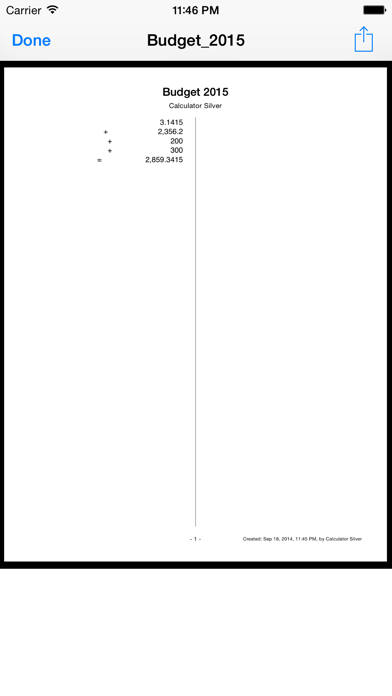
The app allows users to print or email calculation history as a PDF. Users can correct entries with a backspace key and customize display and tape fonts, colors, and sizes.
*Featured in What´s Hot on iTunes*
*Featured in New & Noteworthy by Apple*
The BEST Calculator! App for iPad, iPhone and iTouch — Just try it for free!
Ever lost your train of thought half way through a calculation and thought how handy it would be to have a print out or e-mail of your work?
Features:
- Print out the calculation history or send by PDF.
- Correct with a backspace key if you enter a wrong digit without having to redo all.
- Email, PDF or Print the calculation history.
- PDF the Tape and access previous in the Documents Folder.
- Exchange Documents in iTunes or open in iBooks, Email, etc.
- Rename and share PDF documents.
- Copy and Paste numbers to other Apps, by tapping on the display.
- Change number display to Fixed, Scientific, etc., by tapping on the display.
- Customize fixed digits, fonts, colors and sizes.
- Customize the Tape font, size and color.
- Customize backgrounds with in-App purchase.
- An audible sound confirms if you have pressed a button, which can be easily disabled by touching the speaker.
- Show calculations on an Apple TV or an external monitor with a cable. To allow this turn on Apple TV and select Mirroring.
- Previous calculation is repeated when the equal sign is pressed.
- Grand Total calculated.
- Numbers in Memory may be logged to the Tape.
- A visible and audible error when trying to divide by zero or take the square root of a negative number.
- Numbers are shown in local format, depending on your Region Formats, i.e. comma used in Europe.