
BundleNote - Binder memo pad
Save text pages, bind notes, swipe
YUUSUKE SASOU
iPhone Screenshots


Description
Lets users save text page by page and combine notes into a . Notes can include up to 10 images. Users can save notes as single images. A keyboard expansion button allows cursor movement and pasting. Binders can be organized into categories.
BundleNote allows you to save text on a page-by-page basis and combine it into a binder.
It provides a great feature when you want to number and keep multiple related notes.
You can easily switch pages by swiping quickly.
Binders can also be sorted into categories.
【Features】
■ Image attachment
You can paste up to 10 photos in one note.
■ Save notes as images
Even sentences that require scrolling can be saved as a single image.
■ Keyboard expansion button
The "Cursor Move" buttons, "Paste", and "Select all" buttons for editing are displayed at the top of the keyboard.
(Buttons that are not displayed can be displayed by horizontal scrolling.)
■ Sorting notes and binders
After tapping the "Edit" button, you can sort by long-pressing and dragging.
■ Text settings
You can set the character size, character spacing, and line spacing in detail.
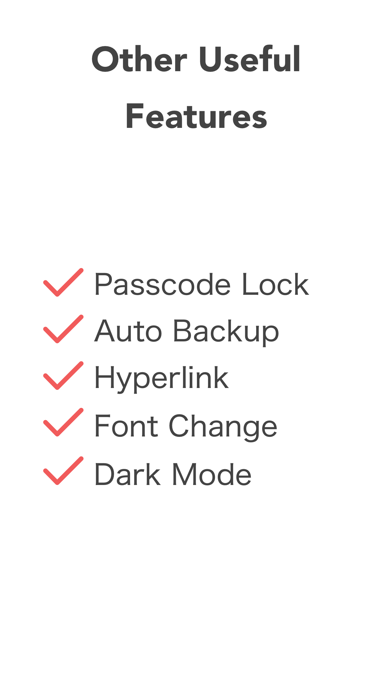
■ Passcode lock
Protect your privacy with 4-digit numbers and biometrics.
■ Automatic backup
This is a convenient backup / restore function when changing models or in case of emergency.
Save the backup to Google Drive.
■ Character number display
【Billing Factor】
With a single purchase, the following benefits will be in effect forever.
・Remove Ads.
# LICENSE
Icons by Icons8