The app provides terminal emulation for mobile devices, supporting multiple emulation types and device integrations. It offers features for host connection, keyboard customization, and scanner use to enhance enterprise productivity.
by IVANTI, INC.★ 5.03 ratingsUtilitiesFreeData updated 2026-10-24
Customize text with a wide selection of and themes available across all typing apps. Change font styles in messages, emails, and social media. Apply themes to alter keyboard appearance.
Customize keyboard appearance with unique fonts and themes. Create personalized styles. Share custom fonts with friends. Edit messages with creative options. Change keyboard layout and design to reflect individual style.
Connect to servers via SSH or Telnet with username/password or key authentication. Manage files using SFTP for viewing, uploading, and editing. Store and manage encrypted private keys in supported formats.
Allows SSH, Mosh, Telnet, and SFTP connections from mobile or desktop. It supports port forwarding and secure file transfers. Users can access a virtual keyboard or connect Bluetooth keyboards. Gestures and device shaking control terminal actions.
Add custom keyboards with over 1000 Japanese emoticons, 200 Kawaii Faces, 2000 Cool Symbols, and 50000 Unicode Characters. Switch between layouts and input methods. Share themes and customize key appearances.
Play retro games from multiple consoles including Nintendo 3DS, N64, DS, GBA, and more. Emulate PlayStation and Sega systems like Dreamcast and Saturn. Load ROMs to play classic titles. Save progress and adjust audio settings.
The app transfers and backs up an unlimited number of photos and videos. It organizes files into folders by recording date, media type, album name, and metadata.
Create fisheye effects for photos and videos using ultra wide angle emulation. Adjust lens distortion and apply realistic fisheye styles. Capture 360-degree wide angle shots. Preview effects in real time and save edited content.
Allows users to run PalmOS handhelds on modern devices. It supports emulation up to PalmOS 4.1 and the Palm Tungsten E2. Features include continuous state saves, savestate file export/import, multiple session switching, direct .prc and .
Securely connect to UNIX/Linux hosts via SSH and Telnet. Manage multiple sessions simultaneously. Customize keyboard layouts and language settings. Support Bluetooth keyboards and touch-based hotspots.
The app accesses local files, computers, NAS, and cloud storages. It allows file transfers and streaming of media directly from network shares and cloud storage to the user's device.
Customize keyboard fonts for text messages, stories, post descriptions, and social media bios. Choose from various font styles to personalize profiles and messages. Share custom fonts with friends and access regular updates.
Keyboard allows users to select from hundreds of keyboard skins and themes. Change background colors, add stickers, and customize key designs. Purchase additional themes through a subscription service. Sync settings across devices.
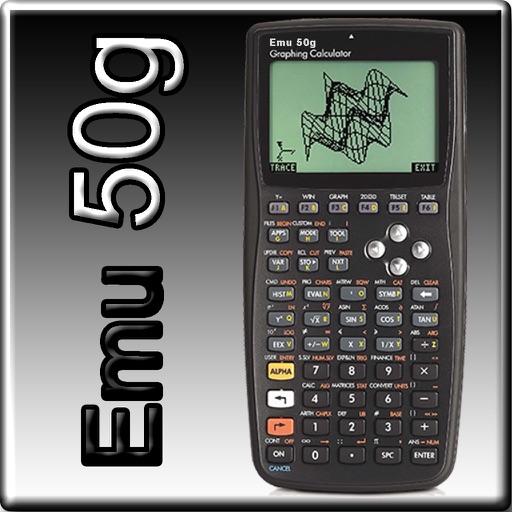
The app provides full emulation of the HP50g calculator with its original skin. Users can save and load calculator states, transfer files, and copy/paste results.