Allows users to run PalmOS handhelds on modern devices. It supports emulation up to PalmOS 4.1 and the Palm Tungsten E2. Features include continuous state saves, savestate file export/import, multiple session switching, direct .prc and .
by Christian Speckner★ 5.021 ratingsUtilitiesFreeData updated 2026-09-06
Allows users to scan barcodes and QR codes. Sends real-time keystrokes to a computer via . Supports CSV file exports for scanned data. Enables keyboard emulation without copy-paste. Connects to computers on the same network.
The app provides full emulation of the HP50g calculator with its original skin. Users can save and load calculator states, transfer files, and copy/paste results.
SSH allows secure remote connections with hardware-accelerated text rendering and PuTTY-based terminal emulation. Supports gestures for channel switching and scrolling. Enable custom gestures for keypresses or actions.
Allows secure remote access to Linux or IoT devices via SSH. Users can connect using password or key authentication. It supports multiple emulations and stores connection settings securely.
Connects to Telnet Server with Terminal window and barcode support
The app connects to a Telnet Server via iPhone or iPad. It offers VT220 Terminal window with standard emulation features and supports multiple barcode scanners.
Access IBM Mainframe via 3270 terminal emulation. View and edit data in 24x80 or 32x80 screen sizes. Use SSL/TLS for secure connections. Customize colors and support multiple EBCDIC code pages. Scan barcodes with camera.
Offers a fast browsing experience without ads or notifications. Supports audio and video playback with adjustable , background playback, and picture-in-picture. Includes manual downloads and file compression capabilities.
Allows users to play classic games through emulation. Load ROM files for various systems. Adjust controls and display settings. Save game progress and manage game libraries. Supports multiple game formats and platforms.
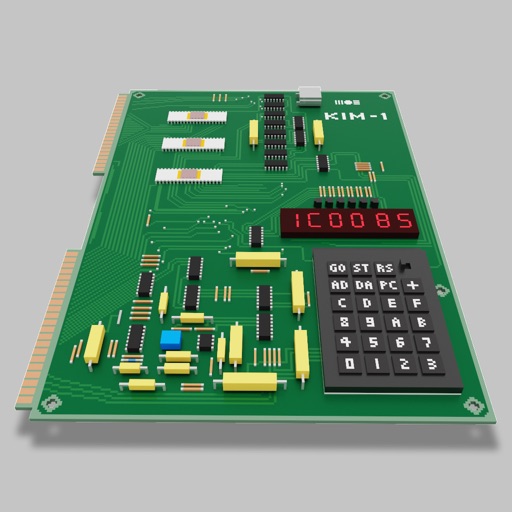
Users can assemble and debug assembly code using a simple interface with 7-segment LEDs and buttons. Run programs on an emulated 8-bit processor. Solve programming puzzles and explore hardware components used in early home computers.
Access IBM Mainframe via 3270 terminal emulation. Customize screen size and colors. Use SSL/TLS for secure connections. Scan barcodes with device camera. Copy and paste using clipboard. Print wirelessly via Air Print. Zoom and scroll like Safari.
Access remote devices via SSHv2 and Telnet. Connect through serial ports using Bluetooth or physical cables. Run scripts, share screens, and log sessions. Integrate with Dropbox and iCloud for file storage and syncing.
Access remote servers with terminal emulation and barcode scanning capabilities.
The app connects to a Telnet Server for remote terminal access. It supports multiple barcode scanners and customizes color settings for user preference.
Send and receive money for everyday transactions. Add notes to payments for context. Split payment requests among multiple contacts. Link a credit card for rewards. View transaction history and manage payments.
Manage SSH connections with password or key authentication. Connect to servers using DSA, RSA, ECDSA, or Ed25519 keys. nd store keys securely. Support FIDO keys and Enclave. Transfer files via Sixel, iTerm2 image, ZModem, and Trzsz.