
xTerm256 Terminal & SSH Client
Connect securely, transfer files, manage servers
李宏 朱
iPhone Screenshots
Description
Connect to servers via SSH or Telnet with username/password or key authentication. Manage files using SFTP for viewing, uploading, and editing. Store and manage encrypted private keys in supported formats.
xTerm256 is a powerful SSH, Telnet and SFTP terminal client. Support SHH tunnel and Socket proxy.It's easy to import from ~/.ssh/config
Features:
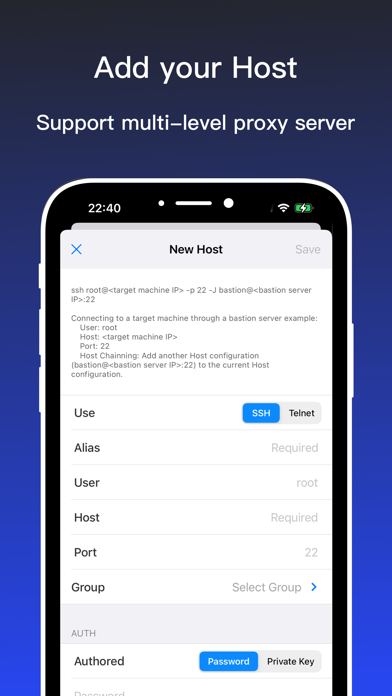
- Use SSH & Telnet to connect to the server, support the use of username/password authentication and key authentication
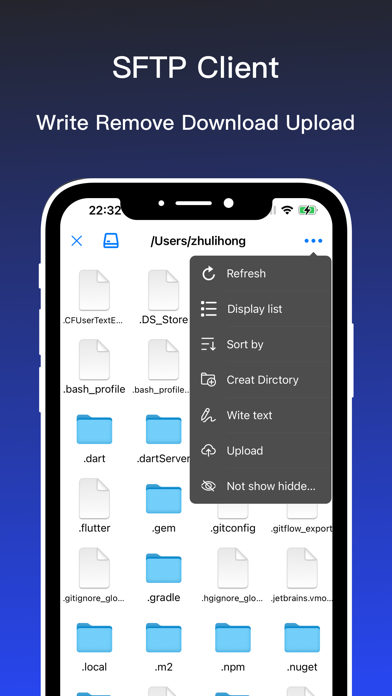
-Support SFTP file management, convenient for viewing, downloading, uploading and editing files or folders
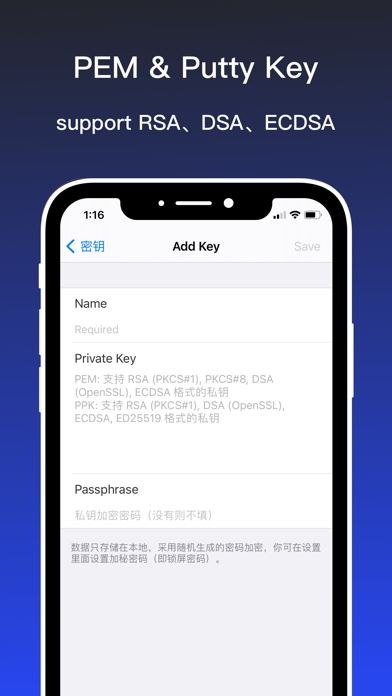
- Support private key management, support encrypted PEM(supports RSA (PKCS#1), PKCS#8, DSA (OpenSSL), and ECDSA private keys) and PPK(putty supports RSA (PKCS#1), DSA (OpenSSL), ECDSA and ED25519 private keys) keys
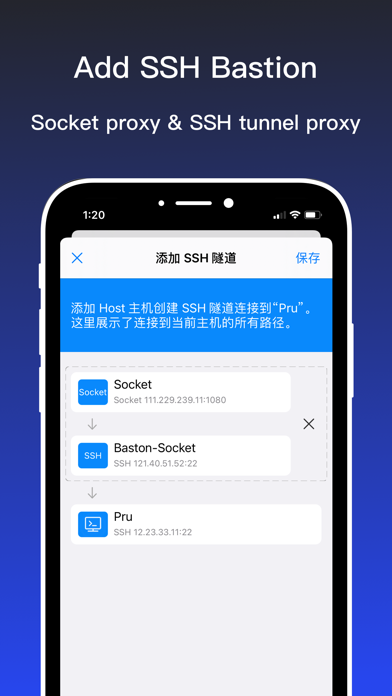
- Support multi-level proxy server function, connect to the host through Socket proxy or SSH tunnel proxy, such as: connect to the bastion through Socket proxy, and then connect to the host
- Support port knocking (tcp/udp)
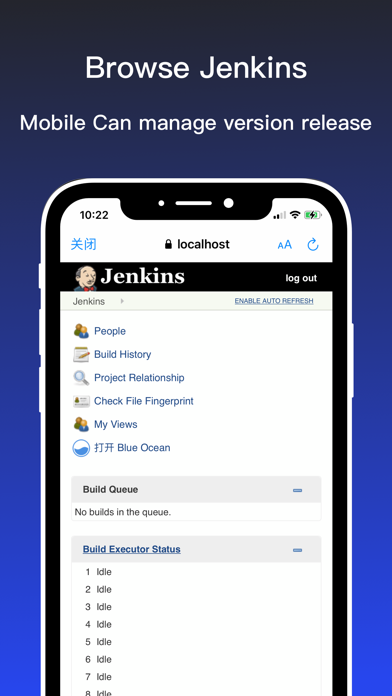
- Support local port forwarding or forwarding through a proxy server. For example, by forwarding the Jenkins server, the mobile phone directly accesses the Jenkins website
- Support import private key from Wifi、Files App or share
- Launch (Run) a saved command / script at connection startup
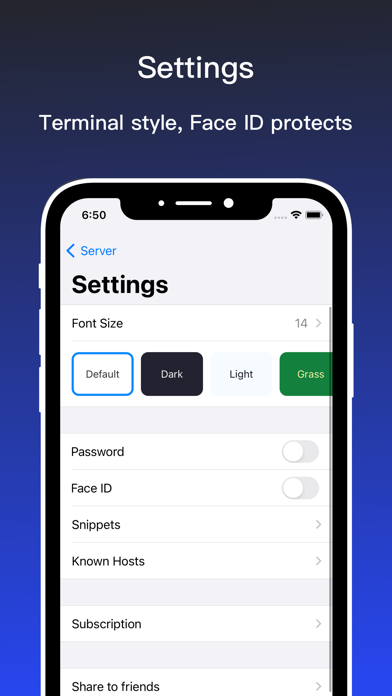
- Snippets. Save your favorite commonly used commands and easily run them
- Connect with your servers using username, password or private key authentication through SSH
- Configurable ‘Standard and Non-Standard’ port
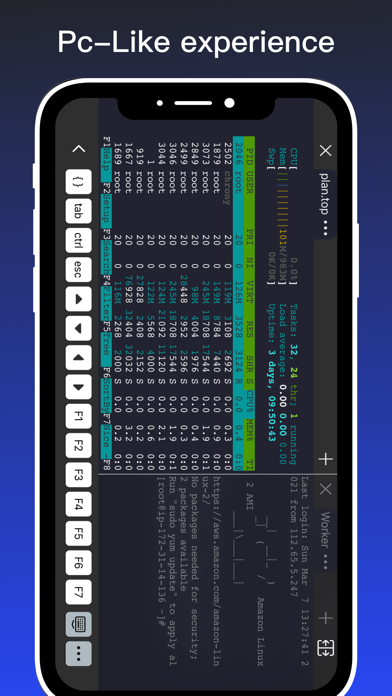
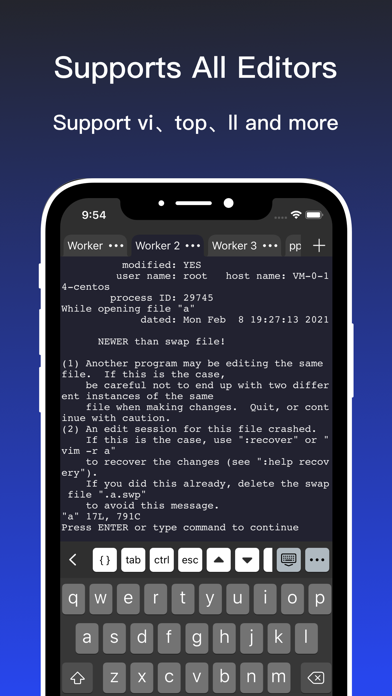
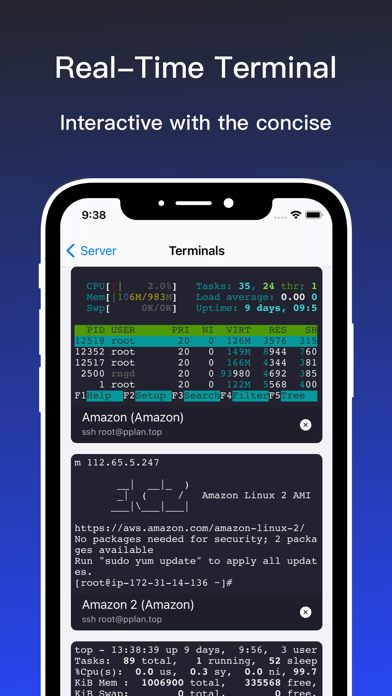
- Terminal tabs: Hop between terminal sessions swiftly
Adaptive Terminal:
· Customize Terminal like background, foreground, cursor colour selection
· Standard Terminal features including ‘Terminal Emulation with Editor’
· Personalize Terminal Size
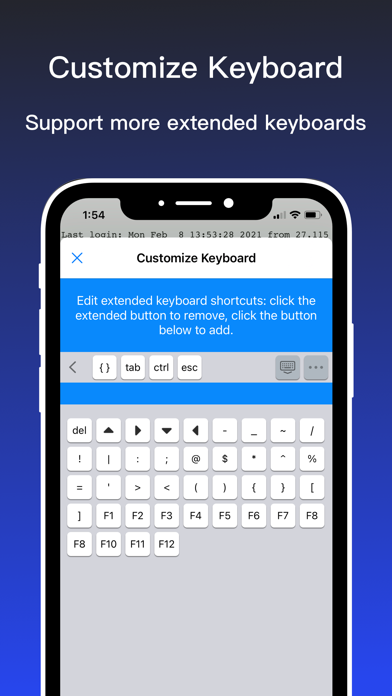
· Support Terminal Screen copy / paste and easy text selection
· Use Telnet to connect to the server
Subscription Details:
- All features with unlimited companies & unlimited users for all platform(iOS)
- Payment will be charged to Store Account at confirmation of purchase
- Account will be charged for renewal within 24-hours prior to the end of the current period, and identify the cost of the renewal
- Subscriptions may be managed by the user and auto-renewal may be turned off by going to the user's Account Settings after purchase
- On end of subscription, All features for all platform(iOS) apps will be disable
Contact us at [email protected]
Most welcome for any suggestion or feedback as we always keep on adding new features based on our customer's feedback and requests.