The app allows visualization of number sequences for counting, comparing, adding, subtracting, multiplying, and dividing. Students can use whole numbers, fractions, decimals, or negative numbers on the number line.
by The Math Learning Center★ 4.415 ratingsEducationFreeData updated 2026-10-23
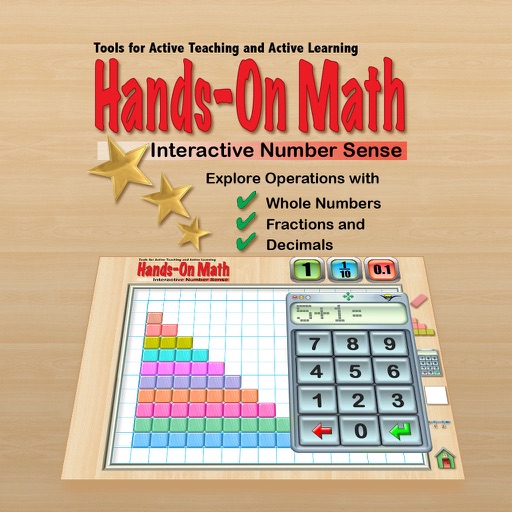
The app provides a virtual playground for students to explore mathematical concepts using colored number bars. Students can order, compare, add, subtract, multiply, and divide whole numbers, fractions, and decimals.
Create line segments and polygons by stretching bands around the Geoboard. Explore perimeter, area, angles, and fractions through interactive shapes. Manipulate bands to compare sizes and test congruence.
The app provides virtual number frames for structuring numbers up to one hundred. Students can count, represent, compare, and compute with numbers, visualizing quantities and developing better counting strategies.
The app allows students to represent multi-digit numbers using place value pieces. It supports operations like addition, subtraction, multiplication, and division with regrouping.
Calculate fractions with addition, subtraction, multiplication, and division. Convert fractions to decimals. Adjust recipe quantities for different serving sizes. Review math problems and convert measurements between cups and teaspoons.
The app allows students to explore geometry and fractions by creating designs or filling outlines with shapes. It provides tools for measuring angles, duplicating shapes, and annotating work to demonstrate understanding.
Calculate fractions by adding, subtracting, dividing, and multiplying. Convert fractions to decimals. Adjust recipe quantities for different serving sizes. Review math problems quickly and accurately.
Helps students learn fractions, decimals, and percents by ordering equivalent values on a . Features include multiple levels, visual representations, and interactive exercises to reinforce concepts.
Solve problems by collecting numbers through mazes. Adjust difficulty levels and select operations. Track progress and customize game settings. Share scores with friends.
Calculate with dual-line display and multi-line input
A with dual-line display showing input and result. Supports multi-line equations and tap-to-move cursor. Saves calculation history with timestamps and labels. Allows emailing calculations and swiping to review previous entries.
Practice whole numbers and decimals to specified place values. Customize the number of problems and difficulty settings. Track progress and play repeatedly to improve skills.
Calculate with dual-line display and multi-line input
A with dual-line display showing input and result. Supports multi-line equations and tap-to-move cursor. Saves calculation history with timestamps and labels. Allows emailing calculations and swiping to review past entries.
Children learn math, reading, and critical thinking through interactive games, books, and worksheets. The adjusts difficulty based on performance, provides rewards, and includes curriculum-aligned lessons.
The app offers over 30 game levels covering number sense, place value, fractions, decimals, and geometry. It includes a learning analytic dashboard and adaptive learning technology to track progress and improve outcomes.