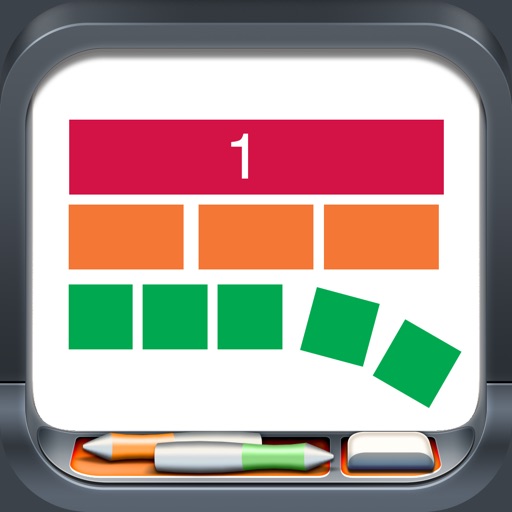
Manipulate color-coded representing fractions, decimals, and percentages. Adjust label formats for fractions, decimals, or percents. Use snap alignment to connect . Explore walls and number lines for visual learning.
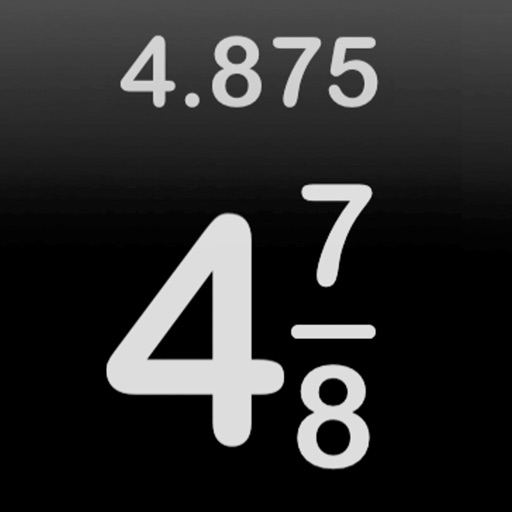
Calculate fractions with addition, subtraction, multiplication, and division. Convert fractions to decimals. Adjust recipe quantities for different serving sizes. Review math problems and convert measurements between cups and teaspoons.
Create and manipulate two- and integer chips to model math operations. Use tens frames, grouping circles, and part-part-whole mats for visual learning. Flip, copy, and group pieces for hands-on practice. Display counts and totals.
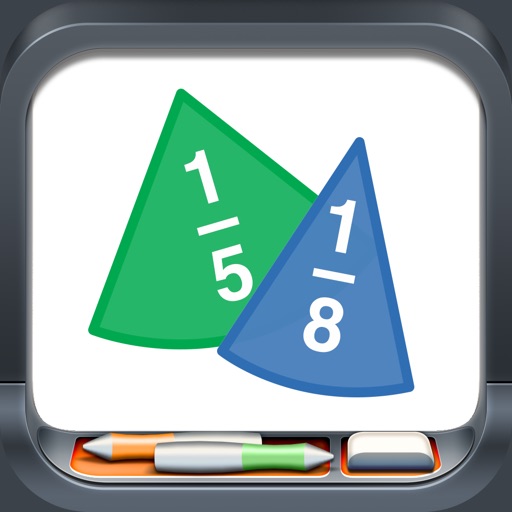
Manipulate colored pieces to explore basic to advanced concepts. Rotate and snap pieces together for alignment. View values as fractions, decimals, or percentages. Customize label formats and use rings with corresponding labels.
Solve equations with addition, subtraction, multiplication, and division. View step-by-step working to understand solutions. Handle mixed and partial fractions. Convert between decimals and fractions. Find factors of numbers or common factors.
Perform arithmetic operations with fractions, including addition, subtraction, multiplication, and division. Convert between improper fractions and mixed numbers. Adjust denominators and simplify results.
Solve equations with addition, subtraction, multiplication, and division. View step-by-step working to understand solutions. Handle mixed and partial fractions. Convert between decimals and fractions. Find factors of numbers or common factors.
Calculate fractions by adding, subtracting, dividing, and multiplying. Convert fractions to decimals. Adjust recipe quantities for different serving sizes. Review math problems quickly and accurately.
Learn fractions through 12 animated videos explaining numerators, denominators, proper fractions, improper fractions, and mixed fractions. Watch videos on meaning and conversion between improper and mixed fractions.
Learn and practice with interactive exercises and step-by-step problem solving. View worked examples, track progress, and receive instant feedback on answers. Set custom practice problems and adjust difficulty levels.
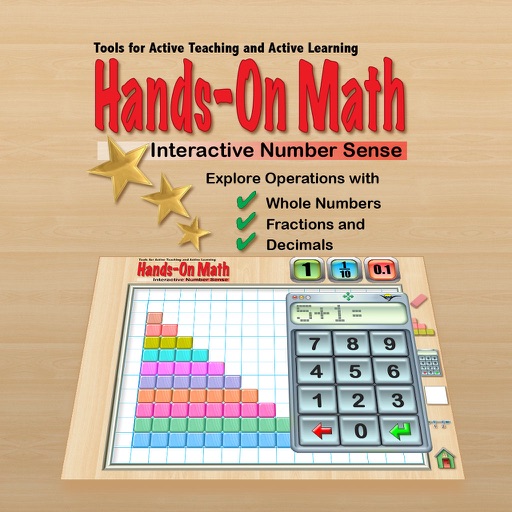
The app provides a virtual playground for students to explore mathematical concepts using colored number bars. Students can order, compare, add, subtract, multiply, and divide whole numbers, fractions, and decimals.