The app allows users to virtually paint walls on a photo using their finger. Users can experiment with different colors to see how they fit with interior design before actual painting.
Apply frames to images. Adjust frames to fit photos. Edit images with special effects. Save and share edited photos. Switch between different frames easily.
Take photos with adjustable resolution options for different styles. Compare templates during shooting for reference. Choose from various photographic styles including classical and HD formats. Adjust settings for sharpening and resolution.
The app allows users to create picture collages with various styles like Picture Pile, Picture Grid, and Mosaic. Users can add text, exchange pictures by dragging, and pan or zoom individual images within frames.
Organize and manage photos by reviewing them at your own pace and saving progress. Remove similar images. Mark photos for deletion or retention. Filter by categories like large files or videos.
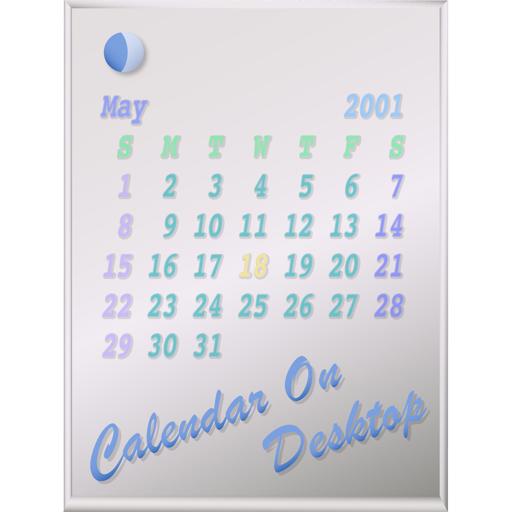
The app displays calendars on the user's Mac desktop. It allows users to move, resize, and customize the calendar's appearance, including displaying multiple months and iCal events.
Transfer text or links between devices instantly. content from a phone or computer, then open the on another device to access the clipboard. Paste text or links directly without manual entry.
The app measures distances between map waypoints and surface areas of polygons. Users can select measurement units including kilometers, miles, and nautical miles.
The app provides vector drawing tools including lines, shapes, and freehand drawing with vectorization. Users can edit object attributes, use snapping functions, and manage drawings across multiple layers and an object library.