The app allows users to apply galaxy effects to photos, creating unique pictures quickly. Users can adjust the photo effect opacity and share their creations to social media platforms.
by kitaek kim★ 5.01 ratingsPhoto & VideoFreeData updated 2026-10-20
Create videos by combining photos and videos. Trim and merge media files. Add background music and transitions. Apply filters to enhance videos. Import from photo library. Share on Facebook, Instagram, YouTube, and email.
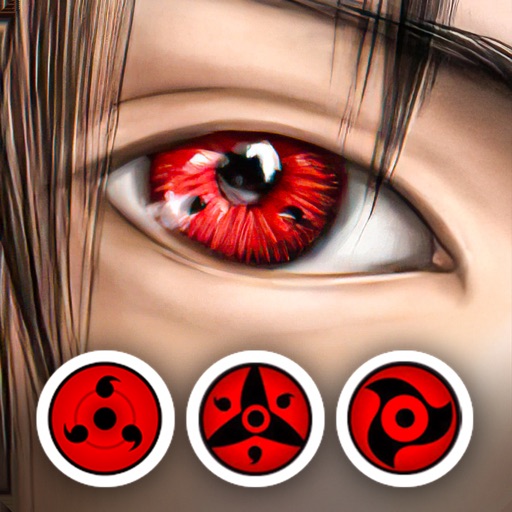
Edit photos with eye and pupil templates. Adjust eye size and remove red eye. Experiment with contact lens effects. Automatically detect eye position. Change and fix eye lenses. Save and share edited images.
Create animated videos from photos or artwork using motion effects and transitions. Apply filters, adjust timing, and combine multiple images. Share finished animations to social media or via link.
Create collages by combining multiple photos using various frame patterns and grid layouts. Apply over 1100 design styles to individual images or collages. Share finished creations directly from the .
Apply winter-themed to images. Adjust frame opacity and position. Share edited photos directly. Add text overlays and decorative elements. Export in various formats.
Edit photos by selecting from gallery or camera. Cut out the main subject with tools. Replace the using gallery images or built-in options. Save and share the edited .
Shenzhen Qianhai Happy Tour Network Technology Co., Ltd.
Capture motion, add effects, share instantly
Take photos and record videos with enhanced transparency effects and fade-in/fade-out transitions. Adjust character opacity, apply -like visuals, and capture up to 60 minutes of . Share edited content directly to social media platforms.
The app transforms faces into art with mutations and effects. Users can take or import photos, view creations in a gallery, and share them on social media.
Edit photos with face-lifting, slimming, and skin retouching tools. Apply effects to preview future appearances. Enhance complexion and adjust facial features using AI technology. Add special effects for creative editing.
Edit photos by selecting from the gallery or capturing new ones. Apply various and effects. Adjust position, size, and angle. Save, share, or upload to social media platforms like Facebook, Twitter, and email.
Remove backgrounds from photos to create transparent images. Highlight the subject and replace the with a new image. Adjust transparency and export the edited photo.
The app allows users to make a person appear twice in a picture, creating a twin effect. Results can be shared via social media or email, or saved to a photo album.
Turn photos into 12 styles with adjustable edge thickness. Add stickers before or after cartoonization. Save and share the edited image. No internet connection required.
The app transforms user photos into watercolor and ink illustrations. Users can save and share their creations through various social media and messaging platforms.
Add accurate date, time, and GPS watermark to photos and videos. Sync with network time for real-time stamps. Edit watermarks manually. Share files with location data preserved.
Create videos using photos with transitions, zoom effects, and background music. Add text overlays and edit timing. Share finished videos directly to social media or messaging apps. No photo limits or premium features required.
Create slideshow videos by selecting templates, adding photos or videos, and applying transitions, animations, and effects. Customize with stickers, fonts, and music. Share directly to social media platforms or save to camera roll.
Edit photos by applying lenses and eye effects. Choose from various eye types and colors. Add red circles for a hypnotic effect. Drag and adjust lenses for custom placement. Share edited photos directly.
Allows users to or unblur specific areas of an image. Select photos from the gallery or capture new ones with the camera. Apply effects and save edited images to the gallery. Share blurred photos on social media platforms like Facebook and Instagram.