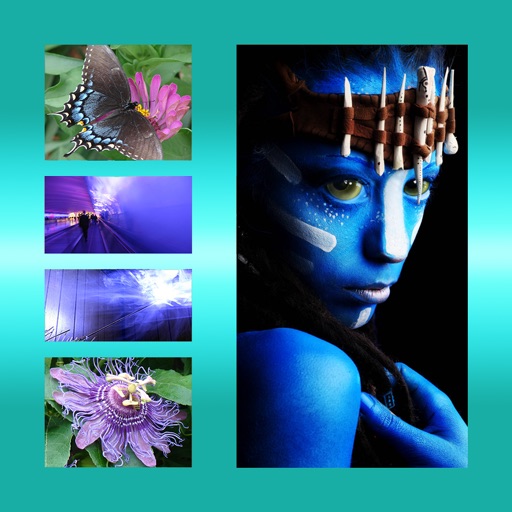
The app allows users to apply galaxy effects to photos, creating unique pictures quickly. Users can adjust the photo effect opacity and share their creations to social media platforms.
by kitaek kim★ 5.01 ratingsPhoto & VideoFreeData updated 2026-10-20
Create cinemagraphs by animating static images with moving effects, presets, and filters. Add overlays and convert to videos or GIFs. Save and share animated photos as wallpapers or social media content.
The app offers professional editing tools, beauty enhancements, and special effects. Users can apply stickers, create classic collages, and design fashionable posters with InstaMag.
Create morphing videos by blending pictures with music. Add photos from the library or take new ones. Apply filters and set a timer. Share videos to social media or other platforms. Use AI for smooth transitions and color grading.
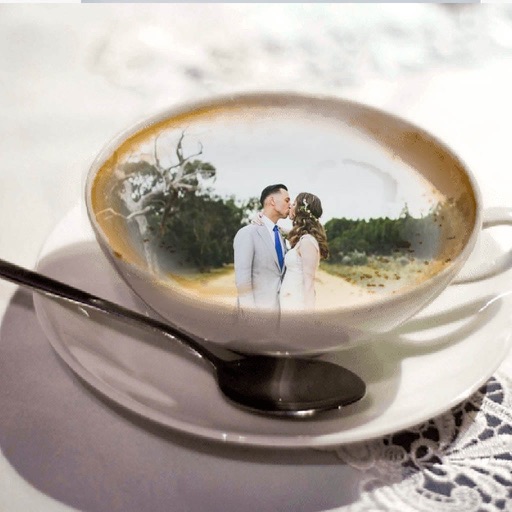
Apply to photos. Select from gallery or take new photos. Choose to enhance images. Generate framed photos for sharing. Use as decorative or to express love.
Edit photos with -themed and creative effects. Choose from gallery or camera sources. Apply enhancements for realistic visuals. Share edited photos directly.
Resize photos to format without cropping. Apply filters, add text, emoji stickers, and customize background effects. Share directly to social media platforms.
Edit photos with motion , bokeh lens, and mosaic effects. Adjust brightness, contrast, and color. Crop images to various sizes. Share edited photos directly. Apply to the entire image, background, or specific faces.
Edit by cutting out subjects and pasting them onto chosen backgrounds. Adjust brightness, opacity, and shape. Add multiple and share creations on Instagram.
Apply photo filters to create horror-themed images. Edit photos with cropping, adjustments, and effects. Add text and stickers for a creepy atmosphere. Export and share edited photos in various formats.
Edit photos by selecting from the gallery or using the camera. Apply multiple and effects. Adjust image position, size, and angle. Save, share, or upload to social media platforms like Facebook, Twitter, and email.
Create videos using selected images from the gallery. Add text, transitions, and background music. Share videos directly to social media platforms. Edit photos with filters and cropping tools. Export in high resolution for playback.
Take photos or choose existing images. Adjust and crop the photo. Add holiday-themed objects like hats, trees, and glasses. Apply Christmas-themed effects and frames. Share the edited photo on Facebook, Twitter, or via email.
Create collages by combining multiple photos. Add romantic and text. Share collages via social media or messaging. Customize layouts and edit images within the .
Apply photo effects to enhance images. Add stickers, text, and frames. Choose from various artistic styles including pixel bleeding effects. Edit and share modified photos directly.
Edit photos with customizable filters, presets, and effects. Adjust brightness, contrast, and saturation. Add text, stickers, and frames. Export in various formats and share directly.
The app allows users to combine multiple photos into one framed picture. Users can adjust contrast, brightness, and saturation, add text, and apply effects.
The app allows users to add bokeh light effects to photos with adjustable size and opacity. It includes various shapes like hearts and stars, and offers photo tuning tools such as brightness and contrast.
Create professional-quality graphics by adding overlays, fonts, backgrounds, and filters to photos. Edit images with cropping and adjustments. Share designs directly to social media platforms.