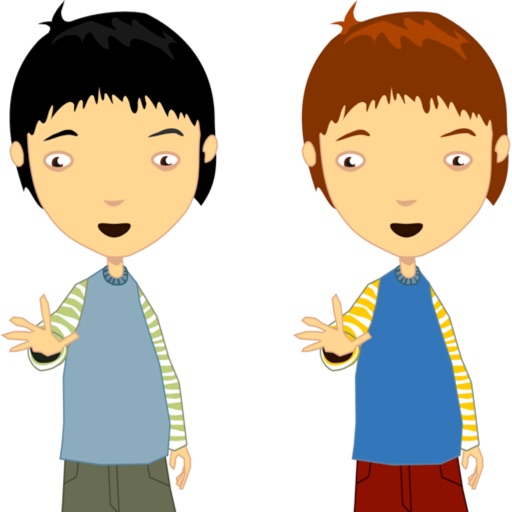
The app allows users to make a person appear twice in a picture, creating a twin effect. Results can be shared via social media or email, or saved to a photo album.
by Ramin Rezaiifar★ 3.67 ratingsEntertainmentFreeData updated 2026-09-26
Apply filters and accessories like mustaches, glasses, and hats to photos of faces. Edit images to transform looks of people or pets. Save edited images to the album. Share edited photos with friends.
The app allows users to apply galaxy effects to photos, creating unique pictures quickly. Users can adjust the photo effect opacity and share their creations to social media platforms.
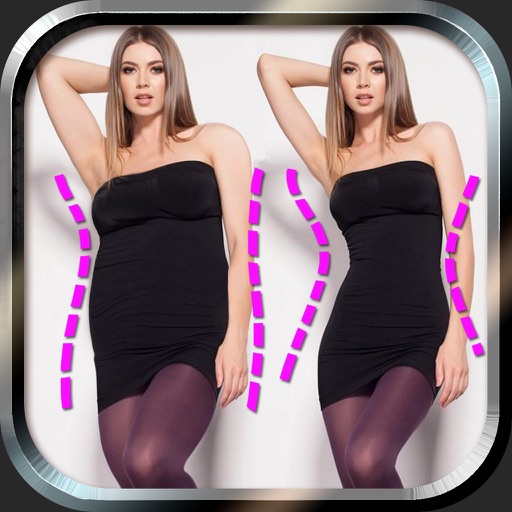
Edit photos to and body using auto-detection. Adjust and body thickness with sliders. manual edits and undo changes. Compare original and edited images. Save results to albums and share via email or social media.
Convert photos into limited-color posters with a effect. Apply filters to adjust colors and brightness. Share images on social media platforms like Facebook and Twitter. Save or email the edited photos directly.
Create and style photos with single tap effects. Apply 8 filters including , Cartoon, and Dots. Share images to social media or save to photo library. Print photos directly.
The app combines multiple photos into one framed picture. Users can add patterns, stickers, text, borders, filters, shapes, and frames to their photos.
Securely and videos behind a lock screen. Create and manage multiple albums with customizable names and thumbnails. Share unlimited media within albums. Support for GIF files. Add content via gallery, iTunes, or direct import.
Predict how faces will look as they age. Upload photos to generate aged versions. Adjust aging intensity and style. Share results via email, messaging apps, and social media. Includes features like shaking to trigger aging effects.
The app allows users to create photo collages from their pictures and share them on social media. Users can select from 52 layouts and customize them with various frame shapes and color palettes.
The app allows users to change picture backgrounds for photo makeovers. Users can add text with adjustable font, color, and transparency, and choose from over 65 backgrounds.
Turn photos into drawings, cartoons, or sketches with one click. Apply 19 effects with full control. Save creations and share via Facebook, Twitter, Flickr, Tumblr, and Email.
Browse and search for popular GIFs. View and collect GIFs saved in the . Save GIFs and share them on social media platforms like Facebook and Twitter. Supports dark mode for enhanced visibility.
Edit photos by adding customizable beards and mustaches. Choose from various styles and positions. Resize or rotate elements using multitouch. Save edited images and share them with others.
Upload a photo to try on 33 free hairstyles and see if they suit your face shape. Choose from over 50 hair color options. Share results with others or consult a hairstylist. Learn styling tips and purchase additional hairstyles from packages.
Add , reindeer, sleighs, and Christmas trees to photos. Apply high-quality filter masks. Share edited images on social media or via email. Edit and customize holiday photos with multiple overlays.
Create collages by selecting images from the library. Automatically generate and arrange layouts without manual cropping or resizing. Shuffle image order as needed before finalizing the .