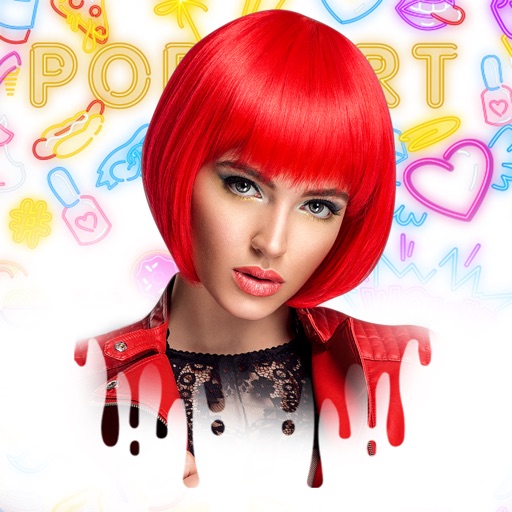
Edit photos with neon, shadow, and synthetic effects. Adjust brightness, contrast, and color. Add text, stickers, and transparency. Apply blur, cartoon processing, and halftone patterns. Invert colors and use copy-paste tools.
by GATEWEB CO., LTD.★ 4.523 ratingsPhoto & VideoFreeData updated 2026-09-08
Edit photos with advanced tools like layers, masks, and adjustment brushes. Crop, rotate, and resize images. Add text, stickers, and special effects. Export in various formats and share directly.
Edit photos with filters, cropping, and brightness adjustments. Add text, stickers, and drawings. Remove blemishes and whiten smiles. Create collages with multiple layout options. Export in various formats and share directly.
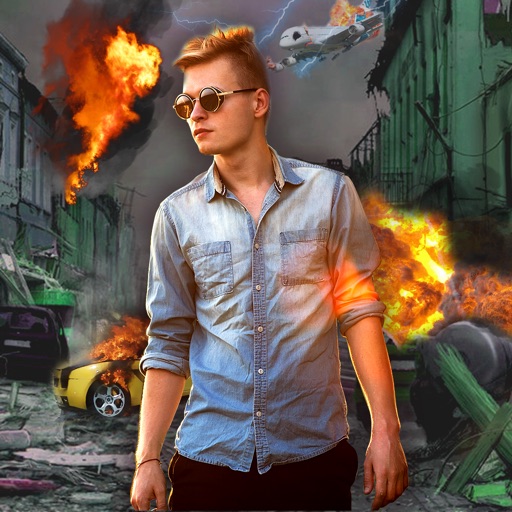
Edit photos with -themed effects like explosions, bomb blasts, and action stickers. Apply customizable FX frames and VFX filters. Decorate images to resemble posters. Share edited photos directly.
Create art effects with one-click auto generation. Edit photos with filters, cutouts, background erasing, and changing. Blur images and adjust colors. Share edited photos directly to social media.
Create professional videos with AI-generated subtitles and over 40 cinematic . Add automatic speech-to-text, customize fonts and colors, animate words individually, and apply pre-designed animations. Export and share finished videos directly.
The app allows users to create artistic images with carefully designed color filters inspired by fashion and music history. New Neon and Vaporwave styles are now available, adding to the existing collection of effects.
Create pixelated photos with customizable frames. Apply blur and black-and-white effects. Adjust touch controls for creative effects. Choose from available frames or customize your own. Export and share the final image.
Photos by automatically detecting foreground and with a smart selection tool. Refine edges using an on-screen brush for precise adjustments. Choose from over 15 effects to customize the appearance. Export edited images directly.
Resize images to fit various formats like Instagram posts, stories, Facebook covers, or custom ratios. Adjust aspect ratios manually or select preset options. Apply Fit or Fill modes to scale images without cropping or stretching.
Create collages by arranging multiple photos into a single square layout. Adjust brightness, contrast, and white balance. Crop, rotate, and apply filters.
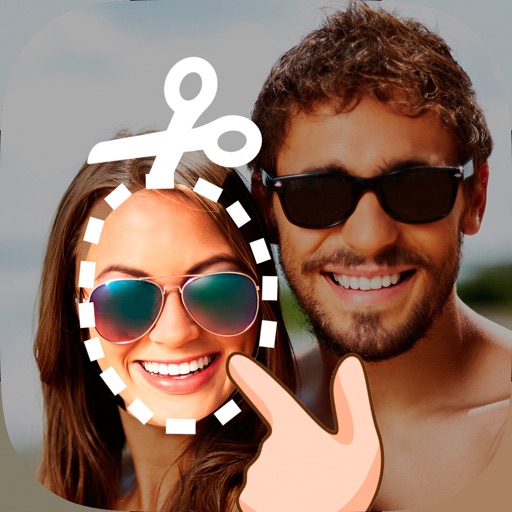
Edit photos by cutting and pasting faces, removing backgrounds, and deleting unwanted people. Add missing faces to photos. Use the silhouette head tool to select and edit elements. Export edited images directly.