Capture and edit high-quality wedding photos and videos. Adjust colors, crop images, and add filters. Export in various formats and share directly. Sync with cloud storage for backup and editing.
by Fatmir Sukaliq★ 4.826 ratingsPhoto & VideoFreeData updated 2026-09-08
Guangzhou Mengdong Information Technology Co., Ltd.
Capture moments with trendy retro filters
Capture photos with artistic film themes featuring retro aesthetics and trendy elements. Apply unique color filters and textures. Customize styles for different occasions. Share edited photos directly.
Record and stop-motion videos with support for SDR Video, HDR Video, Apple Log, 12MP, and 48MP photos. Adjust playback speed after recording. Edit footage with advanced tools. Export in various formats. Control settings during capture.
Create and edit images using AI-generated art based on text prompts. Adjust colors, filters, and styles. Save and share final designs. Collaborate on projects with others in real time. Export in various formats for different uses.
Apply filters to photos and videos to enhance colors and tones. Edit videos with trimming, cutting, and adding effects. Share edited content directly to social media platforms.
Edit videos by trimming, splitting, and rearranging clips. Add transitions, background colors, and text. Include music and filters. Crop, zoom, and rotate individual frames. Share finished videos directly.
Create custom designs using ready-made templates and editing tools. Adjust colors, add text, and crop images. Export designs for printing and share directly with clients or social media.
Capture property photos and share listings instantly
Capture high-quality HDR images for real estate listings. Edit photos with AI-powered tools for enhanced clarity and color. Share listings directly to social media and real estate platforms. Manage property details and view analytics for performance.
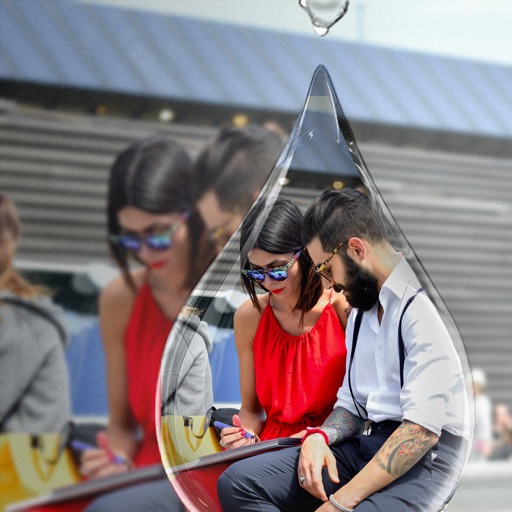
Edit photos with PIP frames, collages, and creative layouts. Add crystal bottle patterns and cartoon styles. Share edited photos directly to social media. Adjust brightness, contrast, and colors. Crop and rotate images.
Capture photos and videos with one tap using AI technology. Apply film simulation to reduce sharpness and simulate film sensitivity. Adjust filters and styles freely. Enhance colors intelligently for vivid results.
Record using both and cameras simultaneously. Capture environmental footage and personal reactions in real time. Save and share perspective videos directly.
Take daily photos of yourself with timed, random, or location-based reminders. Align your face with overlays to create consistent visuals. Compile photos into a video timeline. Save and backup projects to Dropbox.
Watch episodes of , a comedy show featuring challenges hosted by Greg Davies and Alex Horne. View behind-the-scenes content, access exclusive interviews, and follow the show’s social media for updates.
Take property photos with guided shooting modes and auto-stabilization. Adjust exposure, brightness, and color in real time. Export images directly to BoxBrownie.com for professional editing. Share edited photos via email or cloud storage.
Edit photos and videos to apply effects. Adjust hue, saturation, brightness, contrast, exposure, and other parameters. Use smart sharpening filters to enhance image quality. Convert old photos to style. Export edited content in various formats.
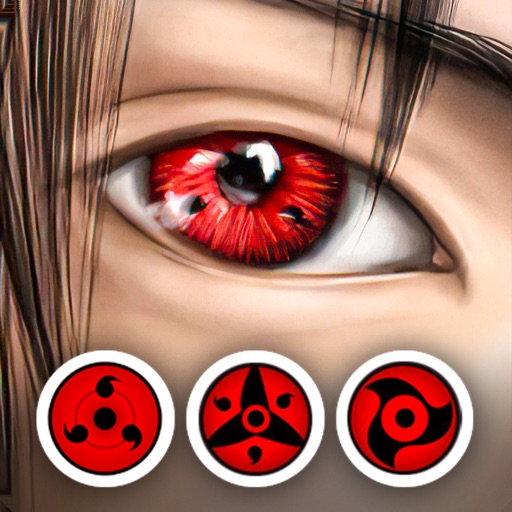
Edit photos by applying lenses and eye effects. Choose from various eye types and colors. Add red circles for a hypnotic effect. Drag and adjust lenses for custom placement. Share edited photos directly.
Edit photos with background removal, image enhancement, and adjustment tools. Add text, stickers, and filters. Export in multiple formats and share directly.
Capture photos and videos with film effects including retro filters, grain, light leaks, and analog imions. Apply 8mm and VHS video styles. Shoot directly from the without editing or registration.
Apply filters to photos and videos to create a swirly bokeh effect. Adjust intensity and focus areas. Export edited content in various formats. Share directly to social media or messaging apps.
Record videos with one-tap capture and adjust exposure, focus, and brightness. Add filters and stickers to clips. Share videos directly to TikTok, Instagram, YouTube, and Zepeto. Access weekly animations and assets for customization.