
Skyflow – Time-lapse Camera
Edit speed after shooting
Andrei Kovalev
iPhone Screenshots






Description
Record and stop-motion videos with support for SDR Video, HDR Video, Apple Log, 12MP, and 48MP photos. Adjust playback speed after recording. Edit footage with advanced tools. Export in various formats. Control settings during capture.
Skyflow is a powerful, professional-grade tool for creators who want top-quality in time-lapse and stop-motion.
Skyflow’s standout feature is the ability to change your time-lapse playback speed even after shooting was finished.
With powerful camera controls, broad format support, and a full-featured editor, Skyflow gives you complete control from shoot to export.
Highly Configurable Capture Experience:
• Source selection: SDR Video, HDR Video, Apple Log, 12MP and 48MP Photo
• Expanded save formats: HEIF, HEIF (10-bit), ProRes, ProRAW
• Shooting modes: Time-Lapse and Stop Motion
• Adjustable Start Time, Interval, and Duration
• Pro Tools: Histogram, Zebra, Apple Log LUT Preview
• Manual control of ISO, shutter speed, EV, white balance, and focus
• Noise Reduction for night shots by limiting shutter speed
• Long Exposure effects: Light Trails & Motion Blur
• 3-stop/2-stop Exposure Bracketing (EB)
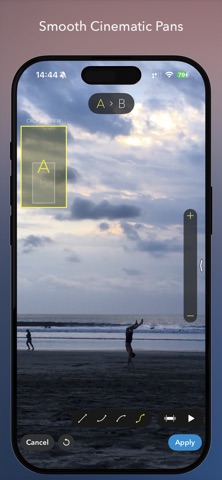
• Panning motion for cinematic movement
• Horizon level and photo grid overlays
Feature-rich Time-Lapse Editor:
• Playback speed adjustment with reverse option and speed ramping
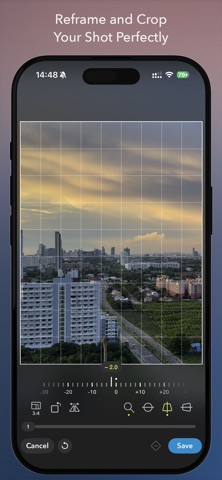
• Advanced cropping with perspective correction
• Full editing and sharing support for (Pro)RAW
• Improved image fusion for exposure-bracketed sequences (EB)
• Exposure and color adjustments
• Keypoint-based ramping for playback speed, crop settings, exposure and color adjustments
• Trimming, adding music, continuing a time-lapse, and more
Export and Sharing:
• Export up to 8K (depends on your device model)
• Video formats including ProRes
• Custom frame rate and bitrate
• HDR / Dolby Vision export support
• Save to Photos, Files, or share to other apps
Other Features
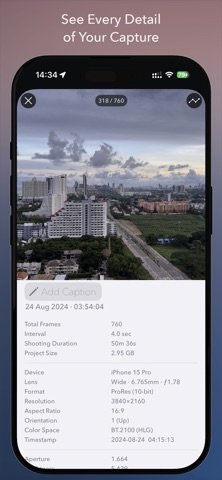
• Detailed time-lapse info view with photo metadata and capture-metrics graphs
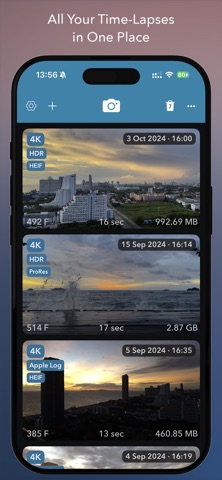
• Create time-lapse projects from photo albums, bursts, videos, or imported folders
• Support for DJI OSMO Mobile and DJI OSMO Mobile 2 handheld gimbals
Please note: DJI OSMO Mobile 3 and later are not supported due to factors outside our control!
Free Version
You can shoot unlimited time-lapses with no restrictions.
Exports, however, are limited to 540p resolution and include a watermark.
Limitations can be removed with a one-time in-app purchase.