Remote desktop access with low-latency H.264 protocol. Transfer files between devices. Connect using Apple Screen Sharing, VNC, or RDP. Sync computers and credentials across devices. Automatically sync clipboard data.
Edit text with a customizable extended keyboard featuring compact buttons for symbol input. Import and use custom fonts, including ligatures if supported by the font. Manage font settings and adjust display options for monospace fonts.
Create custom by combining font styles and effects. Design unique effects for personalized use. Enable cheat mode for easier typing. Send encrypted messages for private communication.
Change font and layout with customizable . Add languages and adjust key colors and shapes. Edit text with various and styles. Share designs with friends.
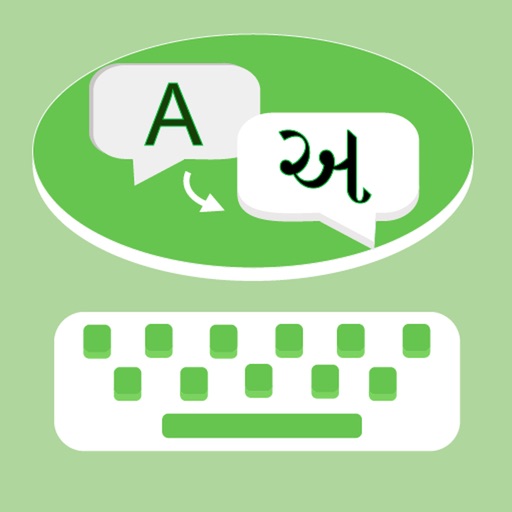
Allows typing in using English letters with transliteration. It offers word predictions for faster input. Users can switch between languages with a language key. Word predictions and spell-check are available in English.
Type in phonetics using a customizable . Supports multiple languages and character sets. Allows users to switch between keyboards and adjust input settings. Includes predictive text and auto-correction features.
The app offers a large collection of emoticons and over 4000 emoji art pictures. Users can utilize these texts across various platforms including Facebook, Twitter, and Instagram.
Update repositories from anywhere with commit history access. Visualize commit graphs to understand repository structure. Edit code with syntax highlighting for 75+ languages and custom keyboard shortcuts.
Adds custom text snippets as buttons on the keyboard. Users can create snippets for frequently used text like email addresses, signatures, or messages. Snippets can include emojis, dates, or locations. Tap a button to insert the snippet instantly.