Remotix VNC, RDP & NEAR
Remote desktop access and file transfer
Acronis International GmbH
iPhone Screenshots
Description
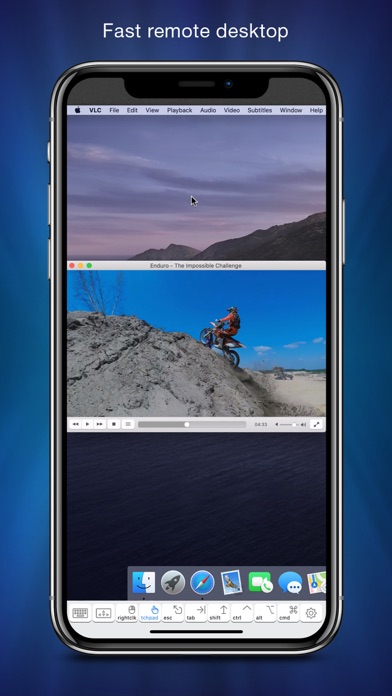
Remote desktop access with low-latency H.264 protocol. Transfer files between devices. Connect using Apple Screen Sharing, VNC, or RDP. Sync computers and credentials across devices. Automatically sync clipboard data.
Here is what Remotix users say:
“This is one of the very few Remote Desktop apps in the past decade that I haven’t wanted my money and my investment of time back on.”
BrockGS
General Features
• NEAR - low-latency, adaptive, H.264-based remote desktop protocol
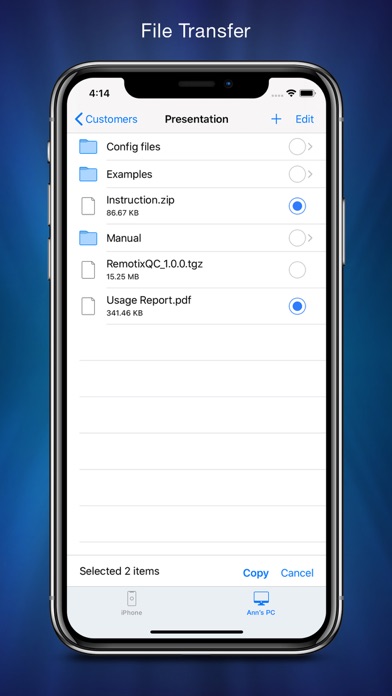
• File Transfer: transfer your documents between remote machines
• Apple Screen Sharing, VNC and RDP, including RD Gateway
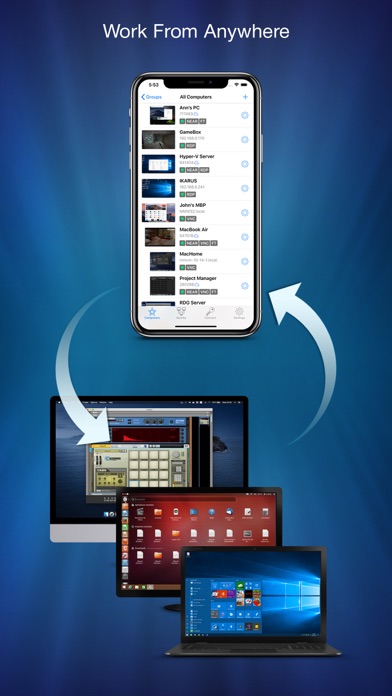
• Connect from anywhere
• Syncs computers and credentials across all devices
• Automatic clipboard synchronization
• Secure SSH connections with both password and public key auth
• Discovers all nearby machines using network scanners
• Wake-On-LAN
• Master password, Face ID & Touch ID protection
• Designed for iPhone, iPad and iPad Pro
• Take and share the screenshots of the remote machine
Control Interface
• Full set of multi-touch gestures to pan, zoom, drag, right click & scroll
• Point-and-click or touchpad-mode remote desktop control
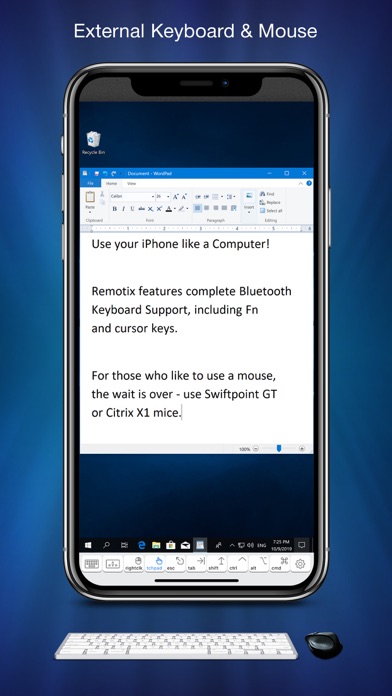
• Hardware and bluetooth keyboard support, including F keys, cursor and modifiers
• Bluetooth mouse support
• Complete international character input
• Extended keyboard to access copy/paste, function and navigation keys
• 3D Touch for right click
If you are connecting to Mac or PC with NEAR:
• Hardware accelerated H.264 based remote desktop experience;
• Three quality modes, including “smooth” - for video & games.
• Automatically adapts to changing network conditions;
• Clipboard synchronization;
• Remote sound transfer;
• Login using system credentials or personal access code;
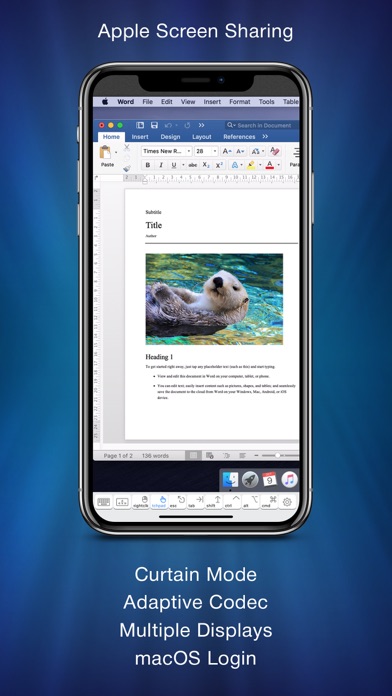
• Curtain mode & remote screen locking (Mac only).
If you are connecting to a Mac with Screen Sharing:
• Five quality modes, including adaptive for average and slow Internet connections
• Multi-display configuration selection, combined or each display individually
• VNC password and Mac OS X authentication methods
• Greatly improves interaction speed with server-side picture scaling,
• Multi-language keyboard input using "Keyboard through Clipboard" mode
• Remote screen locking
• Access to hidden dock or menu
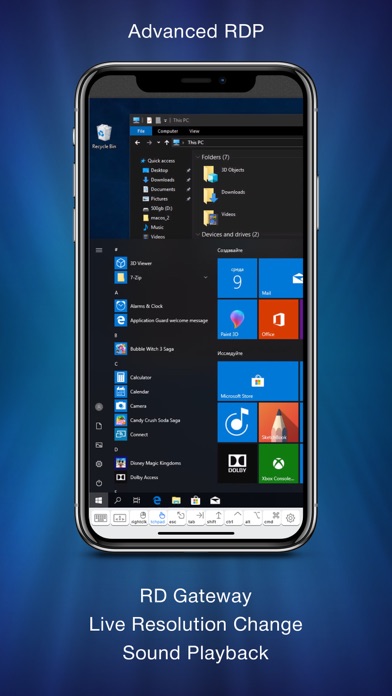
If you are connecting to Windows over RDP:
• RD Gateway & load-balancing configurations
• On-the-fly resolution and scale change
• Sound playback & recording
• Real time network speed adaptation for the best performance over 3G or LAN
• Secure NLA authentication
• RDP over SSH
If you are connecting to Windows or Linux over VNC:
• Tested and works well with UltraVNC, TightVNC, RealVNC, VMWare, TigerVNC, x11vnc and other servers
• UltraVNC Windows Logon authentication
• TLS encryption and VeNCrypt authentication (ProxMox)
• x11vnc -ncache mode support