
iPhone Screenshots

Description
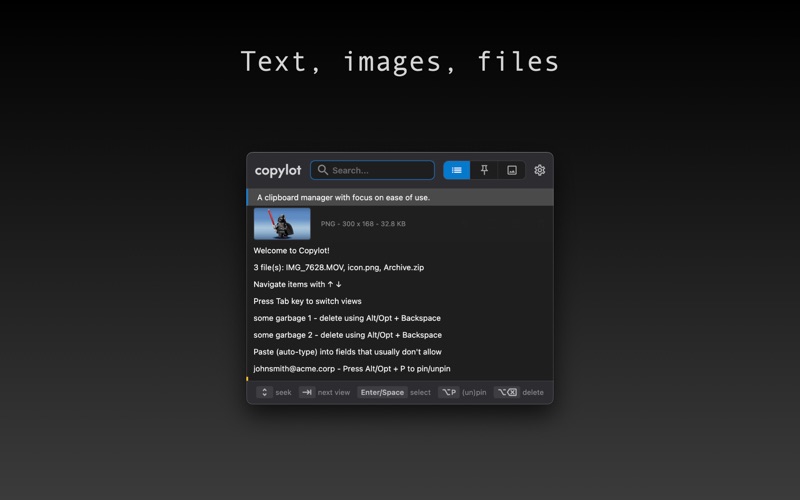
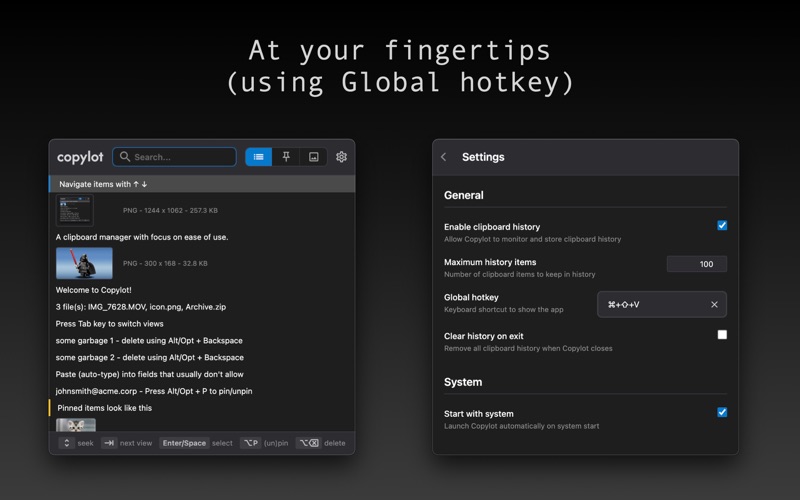
Whether you’re coding, writing, or multitasking, Copylot keeps your clipboard history organized and at your fingertips.
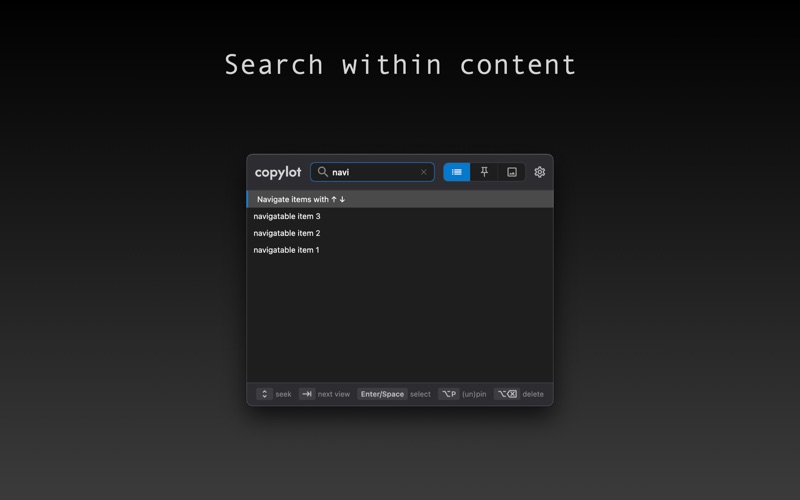
Search
Quickly find past snippets, URLs, code, notes, images (containing text) with lightning-fast search.
Auto-Typing (Keystroke Pasting)
Paste text into any app as if you were typing it by hand — perfect for apps that block normal pasting.
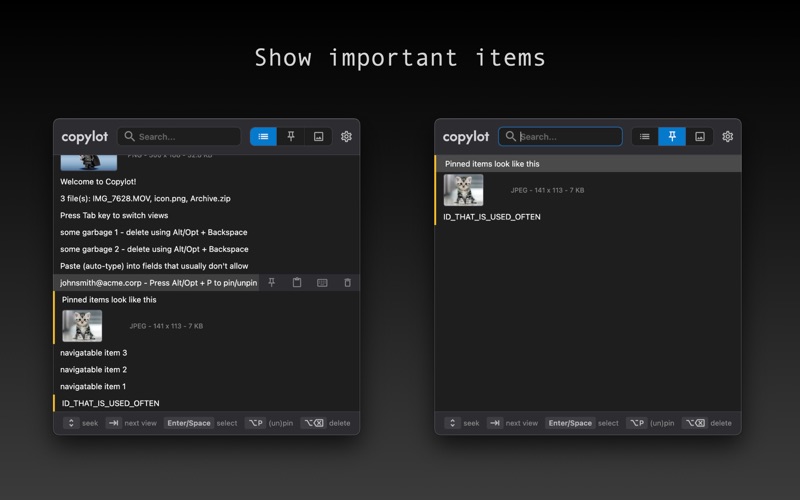
Pin Important Snippets
Keep your most-used copies visible — ready to list, spot and paste in a click.
Intuitive Keyboard Navigation
Fly through your clipboard history with easy arrow key navigation and shortcuts — no mouse required.
Productivity Boost
Save time switching between apps with clean shortcuts and an intuitive interface.
Beautiful macOS Design
A clean, modern look that feels right at home on your Mac.
Shortcuts:
- Pin item: Option + P
- Delete item: Option + Backspace
- Select item: Enter/Space
- Switch view (all/pinned/images): Tab
Want to request or vote for a new feature? Check https://github.com/tbozhikov/copylot/issues. You can also report issues and track for their resolution.