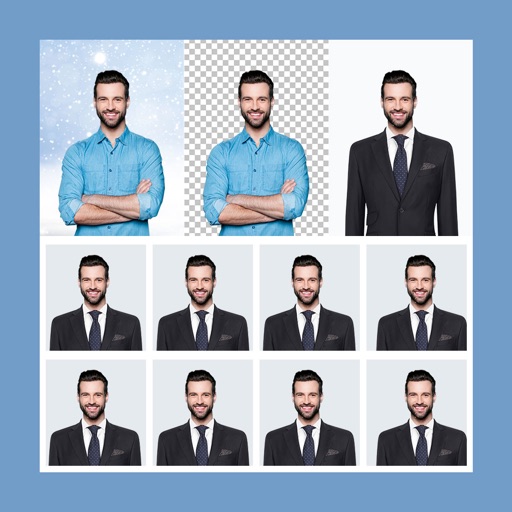
Create Passport, Visa, or ID photos by selecting a country and using the device camera or photo library. Adjust photos to meet ID requirements for 80+ countries. Share, save, or print photos directly. Print via local or networked printer.
by Rajinder Singh★ 3.974 ratingsPhoto & VideoFreeData updated 2026-09-08
Capture photos and videos using hand gestures without touching the device. Detect gestures with the built-in camera, wave hands for detection, and perform "Grab" or "V-sign" gestures to take photos or videos. View and browse captured media remotely.
Apply to photos using the built-in image editor. Select from a gallery or take a new with the camera. Add to enhance images of children. Save and share edited photos directly.
Edit by selecting from the gallery or using the camera. Add and adjust their position, size, and rotation. Crop images by dragging or scaling with two fingers. Share the edited photo directly.
Track history with automatic photo-based trip detection. View locations on an interactive 3D globe. Edit and organize trips with drag-and-drop features. Share trip details with contacts. Set reminders for future destinations.
Print photos from Facebook, Instagram, or Dropbox. Send images to a local Super Farmacia for high-quality prints. Pick up in about an hour. Create personalized gifts using photos. Share prints directly from a phone or tablet.
Create montages by selecting images from the camera or gallery. Adjust photos by moving, scaling, or rotating. Share finished montages friends or social media platforms.
The app converts selected photos to grayscale, sepia, or custom colors. Users can then add color by painting over desired areas with their finger, utilizing paint and eraser modes.
Adjust camera settings including exposure, focus, and white balance. Control shutter speed and ISO manually. Preview and review photos instantly. Save and share edited images directly.
The app allows users to upload photos from their library to an online collection. Users can order prints of their photos in full resolution with options for finish and borders.
Create digital collages using images from your photo library. Crop and remove solid backgrounds from photos. Rotate, resize, and reposition images. Adjust background size and tint. Experiment with creative arrangements for digital art.