Create glowing art by applying effects to photos or existing images. Adjust brush size and glow intensity. Save creations to the Photo Library. Email postcards globally. Use multiple undo levels and mix colors for custom palettes.
Coloring "Access a variety of printable coloring pages. Customize colors and patterns. Save and share completed artwork. Track progress and revisit saved sessions."
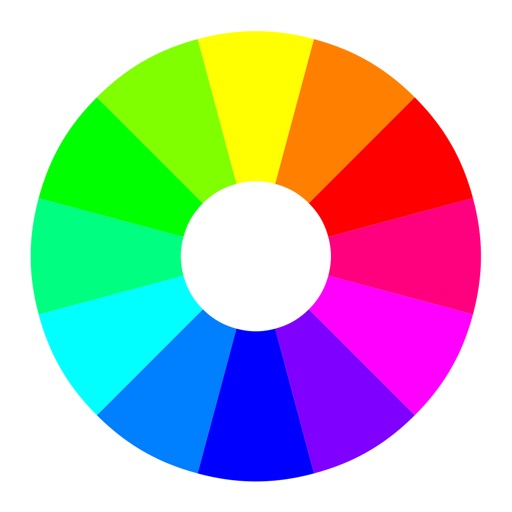
Create harmonious combinations using wheels. Explore Full (RGB) and Basic Itten's . Generate schemes based on theory principles. Adjust hues, saturation, and brightness. Save and share swatches.
Create patterns from photos or manually. Adjust pattern size and complexity. Track progress on patterns. Export patterns as PDFs for printing or sharing. No subscriptions or in- purchases.
Create and playback digital paintings with precise stroke recording. Share doodles on social platforms like Facebook, QQ, or Weibo. View, like, and comment on others' artwork. Save playback files which take less storage space than video.
Select a starting color using the color wheel. Find matching paints from various manufacturers. Discover complementary color options. Save and share schemes for wargaming.
The app offers eight brush types and auto-saves images. Users can transfer images to their Mac via iTunes file sharing or share them through email and social media platforms.
Edit spaces by describing changes, such as remodeling layouts or adjusting decor. Use tools like prompt, style, furnish, paint, and erase to refine designs. Visualize furniture and decor styles through AI-generated images.