
iPhone Screenshots



Description
Transform your photos into layered painting guides for large-scale art projects.
Paint Layers is the missing piece between digital planning and physical painting. Whether you're creating murals, large canvases, or detailed art installations, this app helps you break down complex images into manageable, paintable layers.
What makes Paint Layers special:
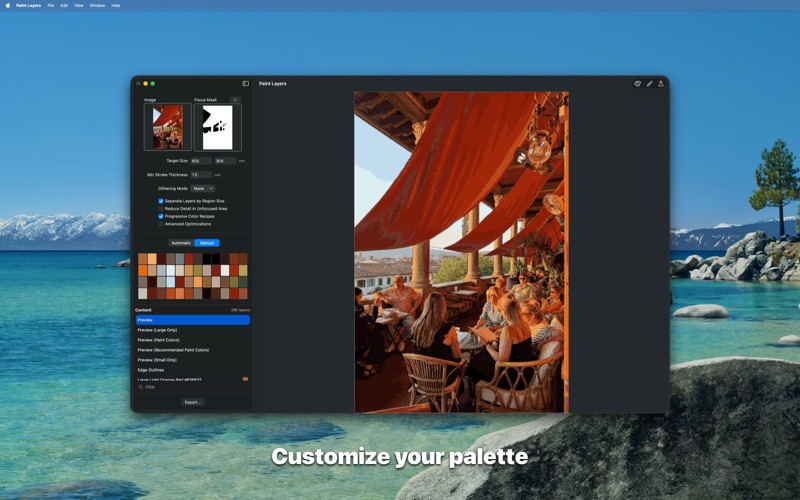
• Smart color reduction - Automatically optimizes your palette while preserving the most important details
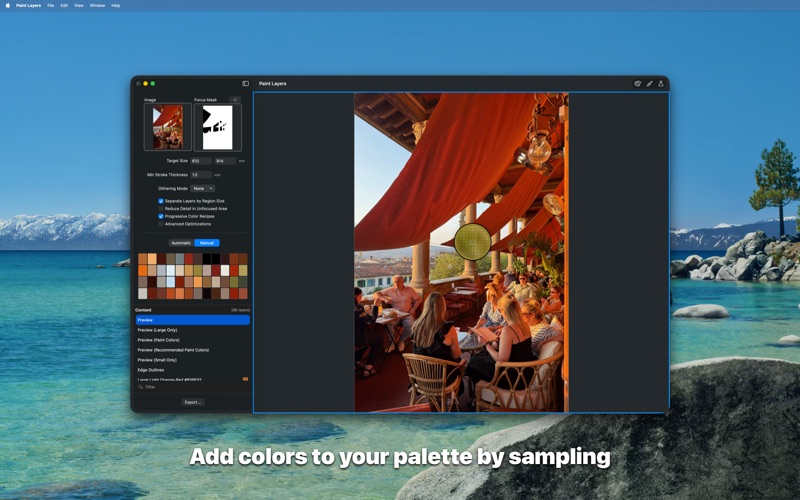
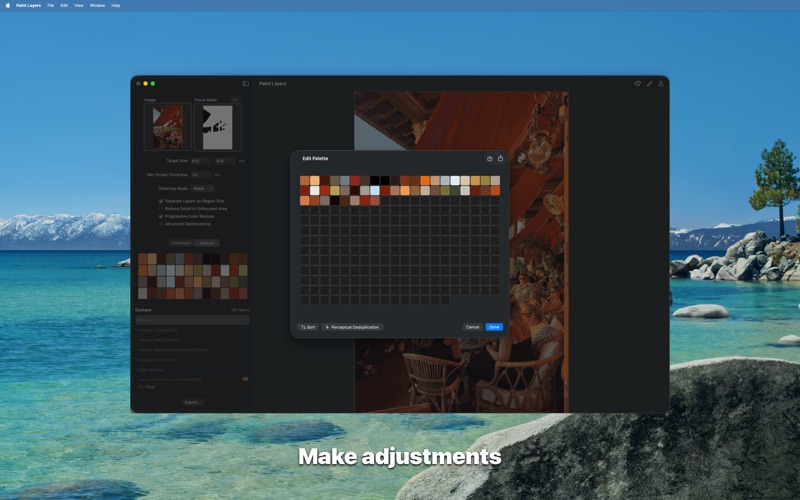
• Custom palette control - Use automatic color detection or create your own palettes with precise color sampling
• Scale-aware planning - Adjusts for your actual canvas size and brush dimensions, so you can preview exactly how your painting will look
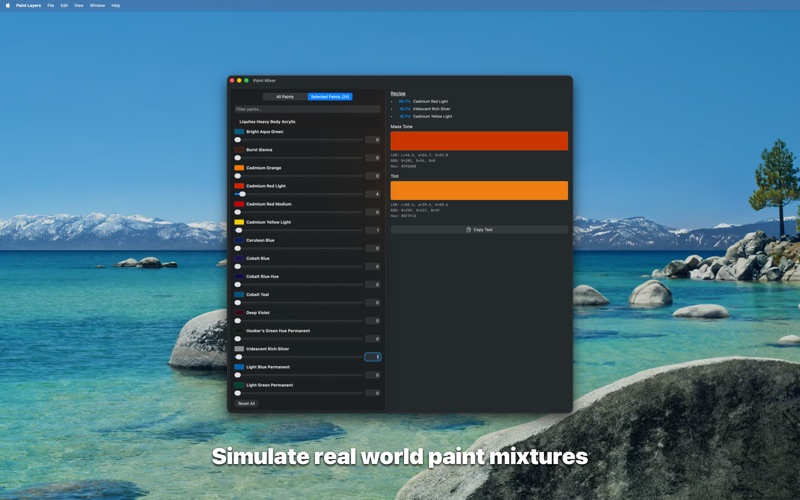
• Real paint mixing - Built-in knowledge of how actual paints blend (Liquitex Heavy Body acrylics), with recipe suggestions for any color
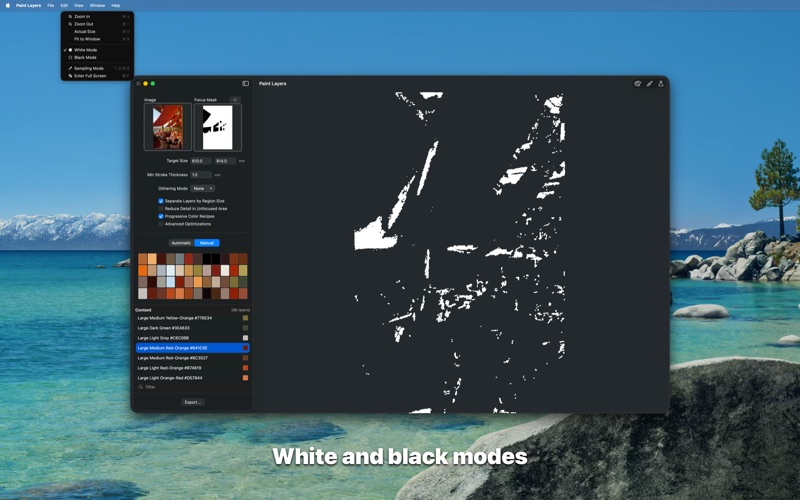
• Focus area masking - Separate high-detail areas that need precision from background areas that need speed
• Layer export - Each color becomes a separate, exportable layer for easy reference while painting
Perfect for: Mural artists, large canvas painters, art educators, and anyone working on layered painting projects at scale.
Use with projectors, tracing paper, or other transfer methods to bring your digital plans to life.