Apps Like Drawing Pad - Neon Light Paint for iPhone and iPad
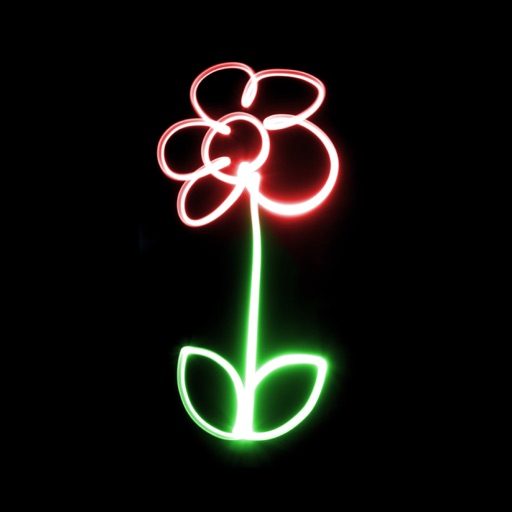
Create glowing art from photos
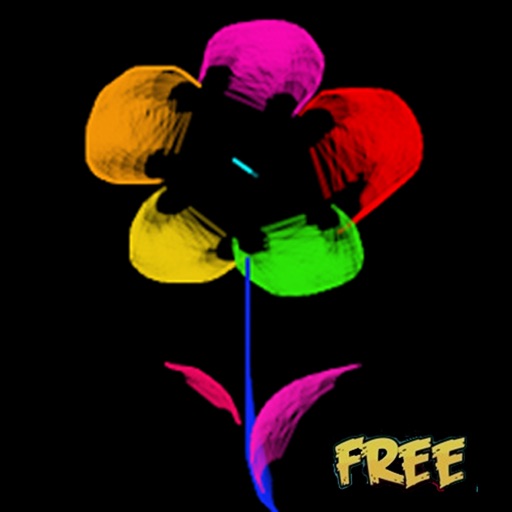
Create glowing art by applying effects to photos or existing images. Adjust brush size and glow intensity. Save creations to the Photo Library. Email postcards globally. Use multiple undo levels and mix colors for custom palettes.
by An Banh★ 4.4529 ratingsEducationFreeData updated 2026-09-16
Create glowing neon paintings from photos. Save artwork to Photo Library. Email postcards globally. Supports New iPhone and iPad. Use multiple undo levels. Mix colors for unlimited options. Adjust brush size and glow intensity.
Create glowing neon paintings using photos as backgrounds. Adjust brush size and glow intensity. Mix colors for unlimited palette options. Save artwork to Photo Library. Email postcards globally. Supports New iPhone and iPad.
Use your phone camera to draw on any surface. Access templates for animals, cars, and nature. Utilize the built-in flashlight for better visibility. Share completed drawings with friends. Create art using augmented reality technology.
The app offers over 20 magical brushes for users of all ages to create doodle artwork. Users can save their paintings in a gallery, play them back as animations, and share them with others.
Enable glowing effects with customizable colors and themes. Add symbols, emoticons, and emojis. Choose from vibrant skins. Enhance typing visibility and creativity during messages.
Draw and paint images using customizable color pencils, pastels, and brushes. Choose colors freely and adjust settings for precise control. Save artwork to camera roll and share via Facebook or Twitter.
Educational for preschoolers offers tracing activities with glowing letters and numbers. complete outlines to animate drawings like butterflies and rockets. Includes 100+ templates for creative play and learning.
Edit photos and videos with high-quality filters and customizable presets. Create and save custom presets. Use full-screen editing mode. Access intuitive tools for creative adjustments. Share edited content directly.
Create art with customizable brushes and access to 700 additional premium brushes. Design comic panels using 1000 screentones and 60 fonts. Apply filters and use fun background brushes. Save and share artwork directly.
A game allows offline art creation without ads. Users can color and draw princesses, unicorns, and animals. Features include animated elements that react to color, confetti effects, and a sketchbook interface for creative sessions.
Create drawings using 14 brushes like glow, rainbow, crayon, and oil. Randomly select brushes and colors for each stroke. Import photos from device albums to on. Record drawings as video clips to share with others.
Explore interactive and activities with themed categories like animals, cars, dinosaurs, and fairies. Create custom drawings, choose colors, and save projects. Track progress and receive feedback to enhance creativity and cognitive skills.
The app offers a digital coloring experience with over 150 free princess and fairy pictures. It includes 10 brushes for drawing and painting, and a movie feature to record and replay drawings as animation clips.
Draw on whiteboard, blank canvas, or images using pen, line, arrow, and shape tools. Edit photos with filters, adjustments, effects, and crop options. Customize tool size and transparency. Add text, stickers, and emotions.
Create art with customizable colors, brush sizes, and opacity. Import photos from camera or library. Save and share designs via social media, email, or SMS. Clear canvas for new creations.
Create digital art with customizable brushes and over 1000 screentones. Design comic panels with fonts and filters. Add background brushes and adjust brush settings. Save and export artwork in various formats.
Create and color images using a variety of tools and templates. Choose from different color palettes and brushes. Save and share completed artwork. Include interactive to teach colors and shapes.
Create digital art with natural brush strokes and realistic paper textures. Use 40+ brush presets for detailed painting. Edit images with color adjustments, liquify tools, and cropping. Apply layers and blend modes for advanced compositing.