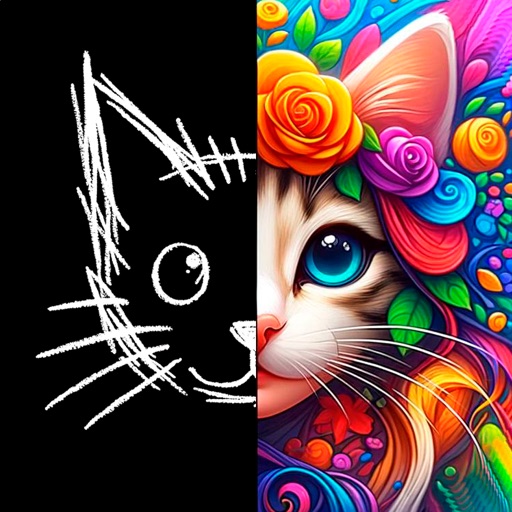
Create comic strips using AI-generated art or manual drawing tools. Choose from various comic styles like anime, manga, webtoon, and pop art. Sketch and convert drawings into high-quality images.
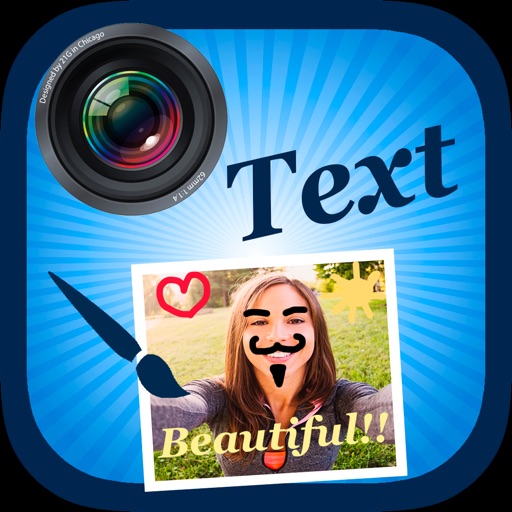
Edit by selecting from the gallery or taking a new photo. Adjust images to a square format. Add text with customizable fonts, colors, and borders. Move, rotate, and scale text. on with finger input.
The app draws geometrical patterns similar to the SpiroGraph toy. It allows users to design complex artwork and draw mathematical curves like cycloids and trochoids.
The app provides users with the ability to draw on their device. Users can select from over 16 million colors with RGB selection and adjust brush thickness and color transparency.
Create art with a wide range of tailored for different styles. Import and organize custom . Adjust brush settings for pressure sensitivity and flow. Save and export artwork in multiple formats. Sync across devices.
Create digital art with a variety of brushes, layers, and color adjustments. Use an eraser for modifications and access reference avatars and sketches. Save and share completed artwork.
The app provides drawing tools including airbrush, pen, pencil, line, rectangle, and ellipse. Users can control tool color, size, and transparency, and manage layers with transparency and visibility settings.