Create vector drawings with speed and flexibility.
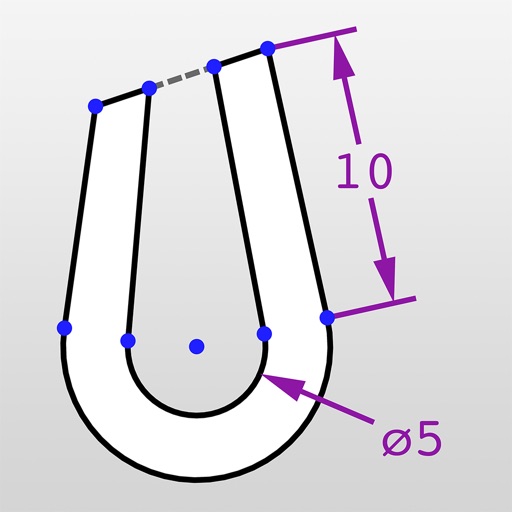
The app provides an intuitive tool for creating vector graphics such as flowcharts, technical drawings, and drafts. It offers speed and flexibility with customizable tools for precise alignment and adjustable elements.
Crop and rotate images into various shapes. Add text, arrows, and shapes for annotations. Pixelate sections or draw freehand. Share edited photos directly with contacts.
Create illustrations, logos, and UI designs with precise drawing tools. Import and edit graphics. Organize projects in workspaces. Export in multiple formats. Collaborate in real-time with others. Adjust colors, shapes, and layers.
Measure and draw simultaneously using Bluetooth-connected devices. View measurements in 2D and 3D with multiple visualization options. Edit and save measurement data directly on the device. Export and share measurement results.
Resize and crop images with precise aspect ratio control. Batch process multiple files for efficiency. Export in various sizes including @2x and @3x. Edit metadata and prepare images for social media or professional design use.
Detects studs, pipes, and wires through walls and drywall. Identifies movement up to 4 inches deep. Connects to phone for real-time visualization. Helps with drilling and installation by showing hidden structures.
Create room by entering room and furniture dimensions. Drag, rotate, and resize elements for precise arrangement. Adjust details with advanced controls. Plan new spaces or reconfigure existing .
View, share, and dimension DWG drawings. Annotate and modify designs with precision. Create new drawings or edit existing ones. Access advanced tools with a subscription. Export and collaborate on projects remotely.
Calculate weight and volume using width, length, and thickness. Input measurements in feet/inches or metric. Includes aggregate and asphalt calculators with precise results. Features high visibility text for direct sunlight use.
Objects and spaces using AR and AI. Tap to set start and end points for digital measurements. View real-time measurements on the screen. Export results or share measurements directly.
Room dimensions using augmented reality. Tap to mark points and view real-time 3D measurements for width, length, height, and distance. Export measurements and save data for future reference.