Play a turn-based strategy game on a 3x3 grid. Take turns placing X or O marks. Win by aligning three marks horizontally, vertically, or diagonally. Start with a corner, edge, or center position. Force a draw or win from any opening move.
And create sketches or doodles with customizable colors and typography. Use pencil, pen, or brush tools. Choose from textured, staff, grid, or blank backgrounds. Share through any phone program. Vote for improvements.
Create abstract art by drawing shapes that auto-connect and fill with random procedural patterns. Use Auto Draw to generate unique compositions in real time. Watch animations transform your artwork into kaleidoscopic designs.
Use augmented reality to draw on any surface. Trace outlines, adjust colors, and add textures. Save and share drawings. Access tutorials for beginners. Export in various formats.
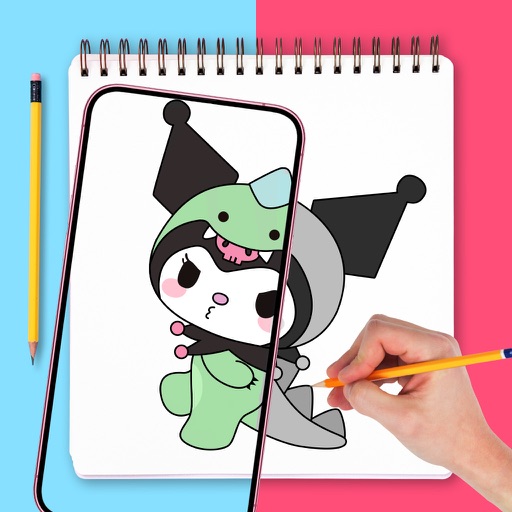
Create by tracing virtual projections of photos on paper, easels, or any surface. Adjust drawing tools for precision. Learn drawing techniques with guided tutorials. Save and share finished pieces. Sync drawings across devices.
Is a vector-based drawing tool for 2D CAD. Users can create lines, rectangles, ovals, arcs, polygons, and text. Freehand drawing with vectorization and spline tools is available. Objects have adjustable attributes.
Create sketches in short sessions by selecting images from a library, camera roll, or camera. Adjust image display with pinch, pan, and rotate. Overlay images for reference. Save drawings automatically and review progress over time.
Dimensions, spacing, and angles in screenshots and photos. Analyze color values, grid alignment, and element positions. Export measurements and compare dimensions across images.
The app plays embedded multimedia files, including audio, video, and animations. It also offers text-to-speech functionality and comprehensive annotation tools for marking up PDF documents.