On with precise tools. Add text, shapes, and stickers. Insert layers and blend images. Create collages with frames and stamps. Design custom stickers and share directly via iMessage or the .
Create graphics and animations with multiple layers of video, graphics, and audio. Edit vector and bitmap elements directly on your device. Use 160+ effect building blocks to design complex visual effects.
Edit videos with multi-track timeline support. Perform quick rough cuts with precise 0.05-second adjustments. Add transitions, effects, and text overlays. Export in various formats without watermarks. Share directly to social media platforms.
Edit photos with filters, cropping, and AI enhancements. Adjust colors and brightness. Add text, stickers, and overlays. Create collages and cards. Edit videos with trimming, transitions, and effects. logos, flyers, and social media content.
Add watermarks to photos and videos using logos, names, stickers, QR codes, or custom text. Apply watermarks to images and videos directly. Share marked content to social platforms. Add drawings, text, and GIF animations to media.
Create and save custom watermarks using logos or preset templates. Apply watermarks to photos and videos. Batch multiple files at once. Preview and adjust placement before saving.
Create and refine artwork with customizable brushes and layers. Sketch, paint, and draw with pressure-sensitive tools. Save and organize projects. Export in various formats. Collaborate in real-time with others.
Create logos for businesses or companies using customizable templates. Select from 10K+ designs. Edit with 6,000+ fonts, symbols, and backgrounds. Adjust colors, text, and layout. Export and share finished logos.
Create high-quality videos with editing tools and an AI . Add music, apply filters, and use transitions or animations. Edit from scratch using templates or customize existing videos. Share finished projects directly.
The app allows users to watermark and annotate images in batch mode. Users can customize text and logo marks, add multiple layers, and save settings as profiles for easy retrieval.
Draw and with customizable brushes and layers. Edit images with adjustment tools and filters. Import and export files in various formats. Use gesture controls for quick navigation and editing.
Create designs and graphics using customizable templates and a vast library of images, fonts, and templates. Apply photo filters and adjustments to enhance visuals. Organize templates into folders and favorite favorites for quick access.
Create collages from photos and videos for social media posts, stories, and thumbnails. Edit videos with trimming and grid layout options. Add blurred backgrounds without cropping. Share content directly to platforms like Instagram and TikTok.
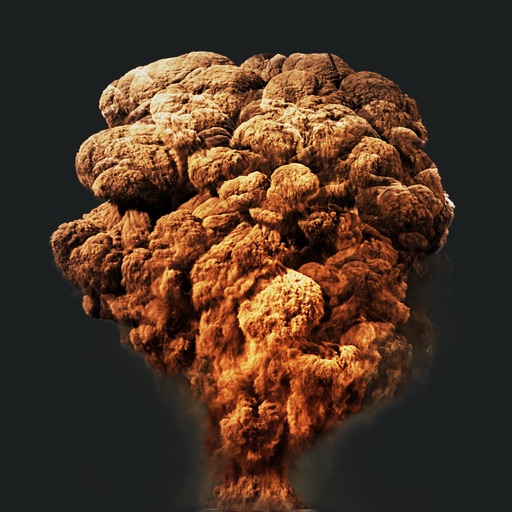
Create action scenes with realistic including fire, explosions, blasts, and muzzle flashes. Import or take a photo, then add by tapping and adjusting their position, scale, and rotation.