
iPhone Screenshots

Description
Create sketches in short sessions by selecting images from a library, camera roll, or camera. Adjust image display with pinch, pan, and rotate. Overlay images for reference. Save drawings automatically and review progress over time.
5 minutes a day drawing habit
The 5-minute sketch makes it easy to continue practicing painting every day.
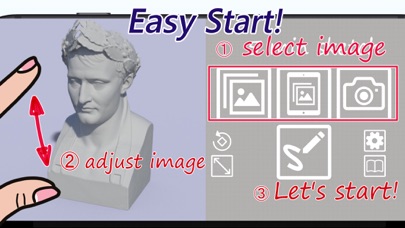
Just select an image, adjust the image display and start.
While painting, you will find that you are relaxed and super concentrated.
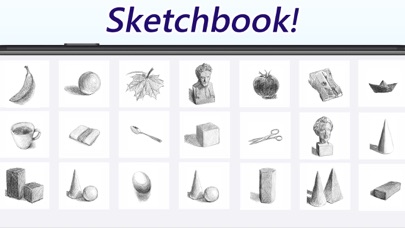
The picture you draw is automatically saved in the app, and you can feel the growth by looking back.
Features
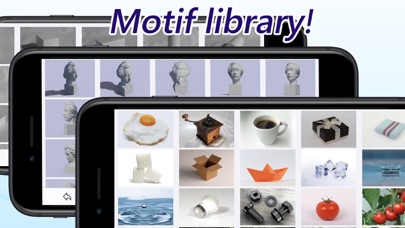
- Select the image from the motif library, camera roll, and camera.
- Pinch out, pan, rotate, aspect fit to adjust the display image.
- Overlay images in real time.
- Selection of grid display.
- You can draw with a touch pen or finger but Apple Pencil recommend.
- 2,000 drawn logs are automatically saved in the app and can be copied to the camera roll.
- Hiding ads for 1 hour by watching rewarded ads.