Convert PDF files into audiobooks using Text-to-Speech technology. Play, pause, and adjust playback speed. Save and organize audio files. Share converted content via email or messaging. Sync across devices for continued listening.
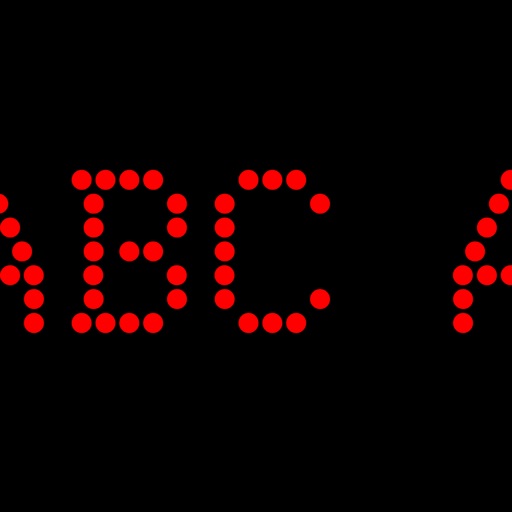
Turn your device into a customizable LED display. Create scrolling text or emojis with adjustable size and color options. Control scroll speed, direction, and background colors. Share displays via social media or screen recording.
Files between Word, Excel, PPT, JPG/PNG, TXT, and PDF formats. Export PDFs to Word, JPG, and PPTX. Edit PDFs by extracting text or merging/splitting files. Add e-signatures, stamps, or watermarks to secure documents.
Create synchronized captions for presentations, recordings, and livestreams. Adjust scroll speed, font size, and color. Pause or resume with gesture controls. Sync captions with audio or video content. Export captions in multiple formats.
Displays scrolling text messages and emoticons on an LED dot-matrix screen. Users can input messages, choose text colors, and adjust scrolling speed. Supports continuous operation with customizable content.
From eBooks, PDFs, EPUBs, TXT files, and web pages using AI voices. Adjust reading speed and select from multiple voice options. Highlight and annotate . Save and organize reading sessions. Export audio recordings.
Edit PDFs with text, image, and layout modifications. Read with AI summaries, highlights, and customizable themes. Annotate using highlights, notes, and sketches. Fill and sign forms interactively. Convert PDFs to Word, Excel, PPT, images, and TXT.
Speechie converts spoken words into editable using AI-driven transcription. Record audio directly or import files from iCloud or Photos. Edit transcribed with built-in tools. Share or export in various formats.
AI allows users to follow scripts synced to their voice. Users can record or import text, adjust font size and speed, and preview content before recording.
Read e-books in EPUB, PDF, MOBI, AZW3, TXT, CBZ, CBR, and other formats. Import files with one tap. Access a minimalist interface without ads or extra features. Adjust text size and layout for comfortable reading.
Create notes, drawings, and organize content on an endless . Import and annotate PDFs, add images, and use intuitive drawing tools. Zoom in or out, choose backgrounds, and export work for sharing. Sync across devices using iCloud.
A productivity that provides a teleprompter overlay on the MacBook camera notch area. Users can read scripts or notes while maintaining eye contact. The overlay is visible only to the user and excluded from screen sharing in supported apps.