
iPhone Screenshots



Description
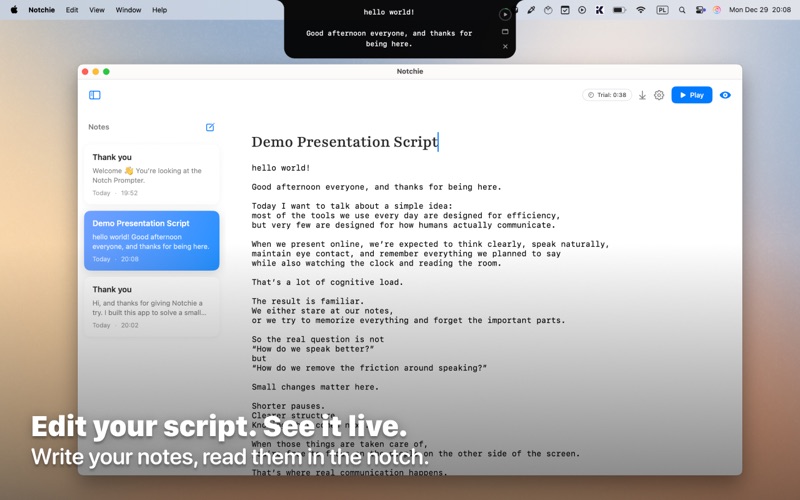
A productivity that provides a teleprompter overlay on the MacBook camera notch area. Users can read scripts or notes while maintaining eye contact. The overlay is visible only to the user and excluded from screen sharing in supported apps.
Notchie helps you maintain natural eye contact while reading notes on your Mac.
It places a subtle teleprompter overlay near your MacBook camera, using the notch area, so you can read scripts, talking points, or reminders without looking away from your audience.
Ideal for:
• video calls and meetings
• webinars and live demos
• tutorials and screen recordings
Designed to stay discreet
The overlay is visible only to you and is excluded from screen sharing in supported apps, so your audience never sees your notes.
Key Features
• Teleprompter positioned near the camera for natural eye contact
• Overlay hidden during screen sharing in supported apps
• Pause by hovering over the notch area
• Scroll text normally or adjust speed with keyboard shortcuts
• Customizable size and scrolling speed
• Runs entirely locally on your Mac
• No accounts, no tracking, no data collection
Simple. Private. Focused.
Notchie is intentionally minimal.
Your text stays on your device.
Nothing is uploaded, recorded, or shared.
Compatible MacBook models with and without a notch.