Visualize and interact with 3D mathematical like spheres, tori, and Möbius strips. Rotate, zoom, and pan using touch gestures. Adjust tessellation detail and fill style. Toggle between solid and wireframe views. Control auto-rotation speed and axis.
by Colin Ford★ 0.00 ratingsGraphics & DesignFreeData updated 2026-09-06
Create mockups by uploading screen captures and selecting device templates. Add 3D rotation, background, shadow, shift, scale, and canvas adjustments. Choose different models, angles, and backgrounds.
View and interact with 360° photos and videos using gyroscope controls. Edit spherical content, adjust settings, and share directly. Supports equirectangular files from various 360 cameras and stitched panoramas. Export and view on Apple TV.
Edit laser marking documents with text and vector image tools. Perform actions like move, zoom, rotate, align, and fill. Download vector graphics from the cloud. Transfer edited files to a device via LAN.
Edit photos by selecting from gallery or camera. Cut out the main subject with tools. Replace the using gallery images or built-in options. Save and share the edited .
Edit videos by adjusting , reversing clips, and applying time warp effects. Create GIFs with customizable animations and frame adjustments. Add text, stickers, and filters. Share edited content directly.
Create promotional posters and advertisements with customizable backgrounds, textures, and effects. Add text, fonts, stickers, and adjust layouts. Export and share finished designs without watermarks.
Add watermarks to photos and videos by placing logos or text anywhere on the media. Customize design with text and styling options. Save and share watermarked content directly. Protect work with visible branding for social media and portfolios.
Unblur photos to detail and clarity. Remove scratches and fade from images. Enhance details and colors for vivid results. Save and share improved photos directly.
Crop and trim clips, split or duplicate segments. Adjust position, rotate, or flip. Apply filters and customize background color. Merge videos and change playback speed for slow or fast motion.
Create photos directly on your smartphone. Select or capture an image and adjust it to meet size and format requirements. Use AI to remove backgrounds and ensure proper lighting and alignment. Save and share the final in standard format.
Create a or pixelated image from a photo. Choose tile shape, count, and aspect ratio. Adjust color count using the limit slider. Save, share, or print the . View results in the tab.
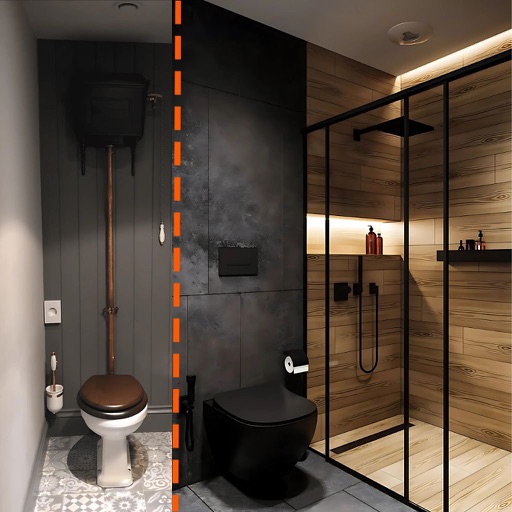
Snap a photo of a to start a redesign. Choose the type and select a style. Customize colors, furniture, and layouts. View 3D visualizations of the transformed space. Export or share the for review.