
iPhone Screenshots

Description
My perspective correction tool does about 90% of what professional tools do. I made it after growing frustrated with expensive software that constantly pushed upgrades for negligible improvements.
Features:
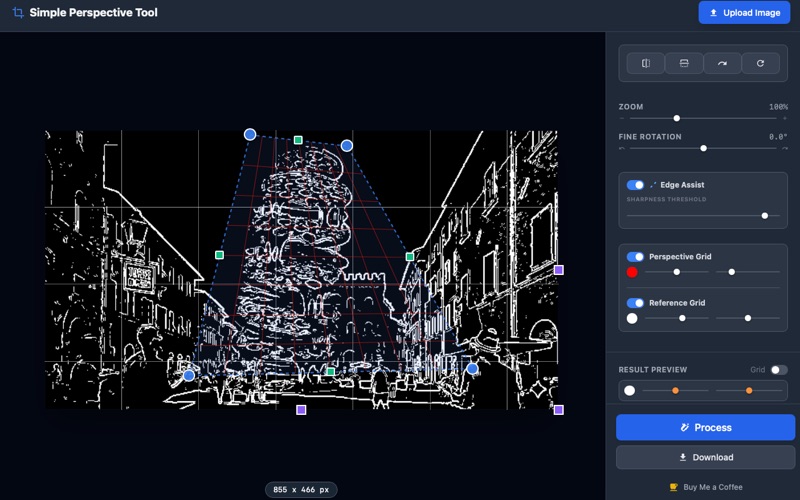
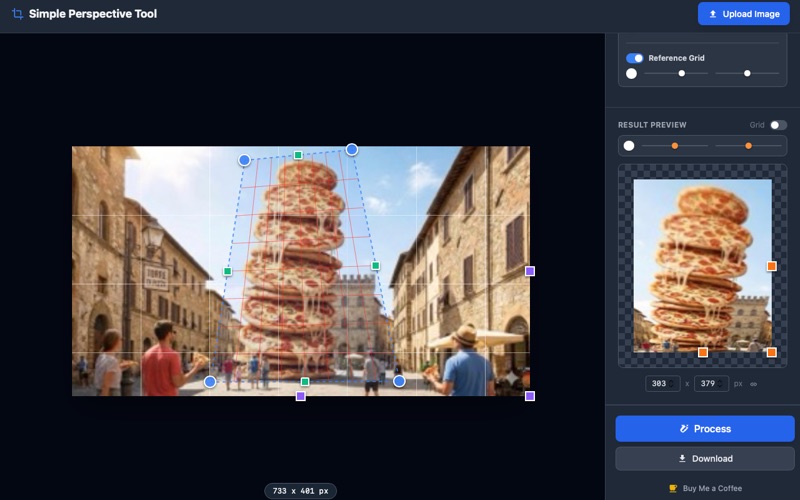
- Perspective Correction: Drag corner handles to deskew and rectify documents, whiteboards, or architectural photos.
- Fine Rotation: Tilt the image with precision (0.1° increments) to straighten horizons.
- Orientation Tools: Quickly rotate 90° or flip horizontally/vertically.
- Advanced Grids: Use adjustable Perspective, Reference, and Result grids (customizable color, opacity, and density) for perfect alignment.
- Edge Assist: High-contrast edge detection mode to help locate structural lines and corners.
- Result Editor: Preview the rectified image, adjust dimensions (X/Y) with aspect ratio locking, and crop before saving.
- Privacy Focused: A local-first tool that processes images entirely on your device.
I hope you enjoy this app. If you do, you can buy me a coffee using the link in the app. A bit of caffeine helps me maintain and improve the app—and bring it to iPad as well. All comments and suggestions are very welcome.