
AI Video Editor
Crop to square, adjust position, rotate, flip,
VIDEO EDITOR PTE. LTD.
iPhone Screenshots



Description
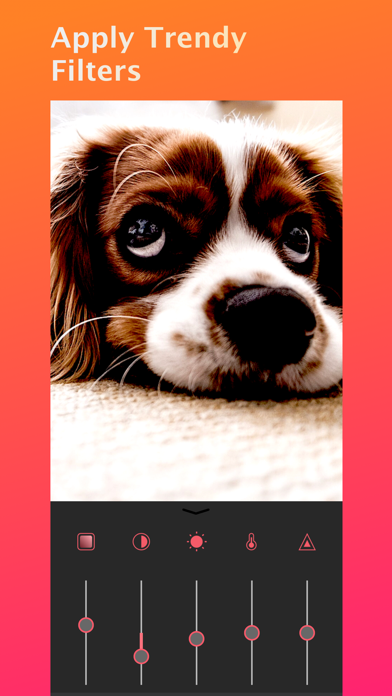
Crop and trim clips, split or duplicate segments. Adjust position, rotate, or flip. Apply filters and customize background color. Merge videos and change playback speed for slow or fast motion.
Crop the best position of your video. With Crop Video . - VME easy and quick to Crop video to Square. Adjust video position, rotate, flip, apply filter and fill background with colors.
FEATURES:
-Crop, Trim, split, or duplicate video clips
- Blur background square video for instagram
- Merge videos
- Adjust video speed for a super slow motion or fast motion effect
- 13 beautifully filters
- Adjust Video brightness,satuartion,contrast,temperature,tint
- Cutstomize background color
- Adjust video sound volume
- Picture-in-Picture Video
- Picture-in-Picture Photo
- Volume control
- Reverse video tool
- Change video aspect ratio
- Move video/photo inside the square.
- Create and manage unlimited projects
- Auto save ensures that edits are never lost
Music & Sound Effects
- Add music & sound effects to video
- Lots of fun sound effects.
- Trim music & sound tracks with a fade in / out option
- Volume control
- Easy to sync sound and video with timeline features.
Text & Sticker
- add animated texts to photo & video
- add animated stickers to photo & video
- add Bubble text to photo & video
- Customize text font & color & background color
Share
- High video output resolution.
- Share to social apps, like Facebook, Youtube, Instagram, etc.
FEEDBACK
[email protected]