Create AI-generated images from text descriptions. Transform photos using advanced AI tools. Access 100+ specialized apps for different creative tasks. Choose from unlimited styles including realistic, artistic, anime, and vintage.
Edit photos and videos to post full size content to Instagram and other platforms without cropping. Add audio, effects, frames, text, stickers, and overlays. Trim, rotate, scale, and flip media.
Create AI images from text or photos using Google Gemini. Edit photos with advanced tools. Generate headshots, avatars, and professional images. Export in high resolution and share directly.
View two different albums side by side or compare photos directly. Swipe left/right to navigate, pinch to zoom, and double-tap to enter full-screen mode. Create combined side-by-side images and access detailed EXIF data.
Convert static photos into custom-length videos with adjustable filters, smart animations, and dynamic overlays. Add text, stickers, and background music. Export and share videos directly to social media platforms.
Remove similar color backgrounds from images and save transparent versions to the camera roll. Erase using finger or wand tools. Zoom and rotate with two fingers. Crop photos and share to other apps.
Convert rectangular videos to square format for Instagram. Post full videos without square cropping. Create custom wallpapers for iPhone lock screen based on device model and clock position.
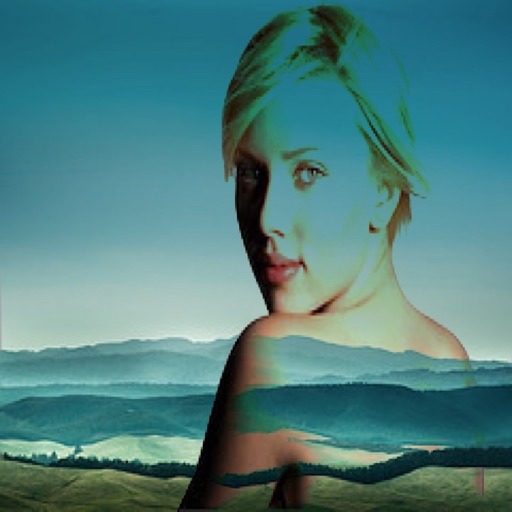
The app allows users to combine two images using various blend modes. Users can select photos from their device or the web and adjust layer transparency.
Edit photos adjustable temperature, tint, and exposure settings. Use texture blending tools and apply effects. Add stickers opacity and shadow control, and include text 3D effects and multiple fonts. Crop, rotate, and straighten images.
Convert videos, live photos, or images to GIFs. Create memes using templates. Edit GIFs with size, resolution, and playback speed adjustments. Remove smart backgrounds for stickers.
Create images from text descriptions with AI-generated portraits, characters, and scenes. Edit photos by describing desired changes like removing objects or swapping backgrounds. Transform images into various visual styles using AI prompts.
Create pixel art sprites with drawing tools and a powerful engine. Open and edit pixel art files from Files. Use iCloud Drive for cloud storage. Support Apple for precise input. Import and customize color palettes.
Photo montages, collages, and custom . Edit images by erasing, changing, or adding backgrounds. Cut people from photos and place them on new images. Add personal photos and decorate with fun .
Edit and enhance grayscale photos with 20 predefined presets and custom adjustments. Apply vignette effects and modify color channels. Save personalized presets. View and share monochrome images directly.
Create photo montages, collages, and custom . images by erasing, changing, or adding backgrounds. Cut people from photos and them onto new images. Decorate with personal photos and fun .