Scans devices to identify duplicates, blurry images, and junk files. Users can delete selected items to free up space. It organizes photos, videos, emails, and contacts by removing unnecessary data.
Delete duplicate contacts with one click. Merge contacts by phone, email, or name. Find contacts missing name, phone, or email. Backup contacts and rollback deleted entries easily.
The app allows users to manage contacts and groups, send mass texts and group emails, and view recently created contacts. Users can share or print contacts, create backups, and receive birthday notifications.
Manage multiple counters with customizable settings including name, reset value, increment, and color. Organize counters into groups. Set periodic sound alerts and display alert boxes. Change font style and manually adjust values. Export data as CSV.
Duplicate contacts by phone, email, or name. Remove contacts lacking name, phone, or email. Backup contacts with one click and restore from recycle bin. Search and select contacts quickly.
Arrival times for CTA buses and trains at selected stops. Add stops via the + button and reorder by dragging. Swipe to reload times or dismiss a stop. Tap a stop to view detailed arrival information.
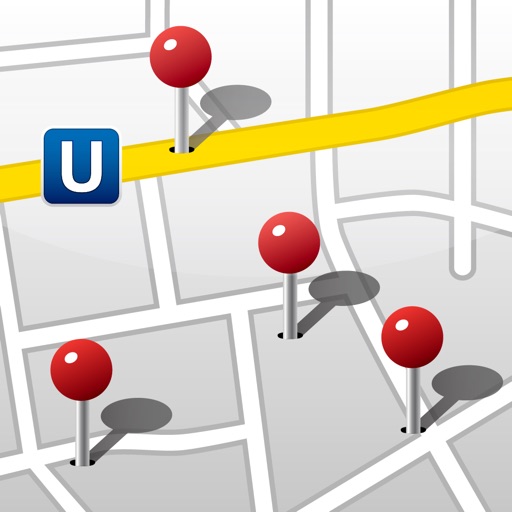
Display contacts as map annotations. Annotate multiple contacts at once with a single button click. View address book and map side-by-side on iPad. Highlight contacts by tapping their address or map annotations.
Schedule and join meetings with video, audio, and instant messaging. Invite participants to group chats. View shared content and speaker video during calls. Collaborate in real-time with team members.
The app allows users to organize related files into groups on the desktop. Users can add or remove files using drag and drop, move groups freely, and rename them.
Identifies and removes unwanted photos and videos. Selects duplicates, screenshots, similar images, and low-quality content. Analyzes photos for focus, smiles, and eye openness. Deletes selected files to free up storage space.
Create and organize with automatic saving and word count. Add widgets to home and lock screens with adjustable font sizes. Choose from six colors and reorder . Use for to-do lists, shopping lists, and temporary text storage.